13
You may select from different effects that include: Vintage, Black and
White, Instant, Latte, Litho, X-Process, Crop, Rotate, Mirror,
Straighten, Vignette, Contrast, Exposure, Auto color, Shadows,
Vibrancy, among other settings that can be used to adjust picture
images.
View Images
In the picture interface click on an album to view images. You can
choose to display small or large thumbnails. In the photo album,
scroll the picture towards left to view the next picture or towards right
to view the previous one.
Crop Pictures
If you want to adjust the size of the picture, use the crop tools. Once
the arrow appears, pinch your fingers in or out to adjust the size. If
you want to adjust the image and keep its proportion, please hold
down any of the four corners of the image and adjust.
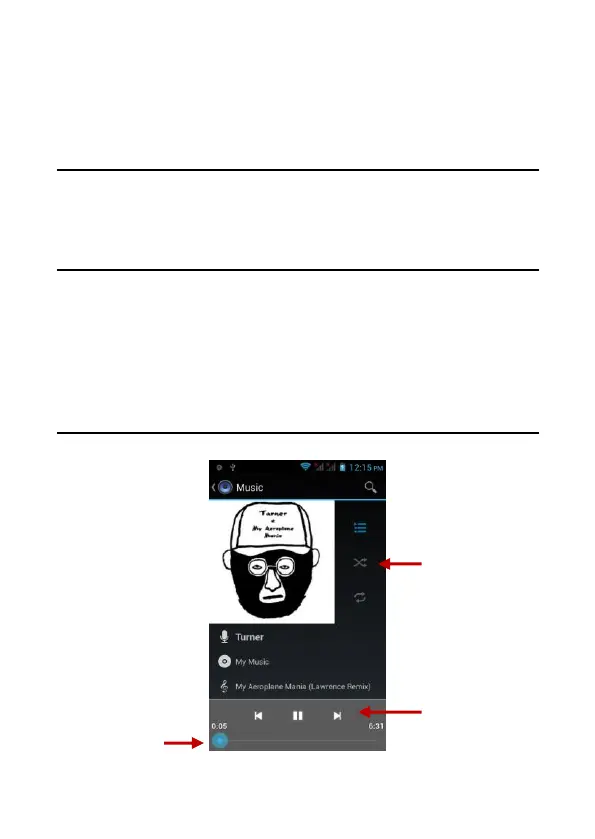
Music
Open Music
Application Menu » Music



 To Next Page