12
Add Folders on your Screen
Use folders to group related applications and other shortcuts to keep your Home screen tidy and
organized.
Adding folder on your screen
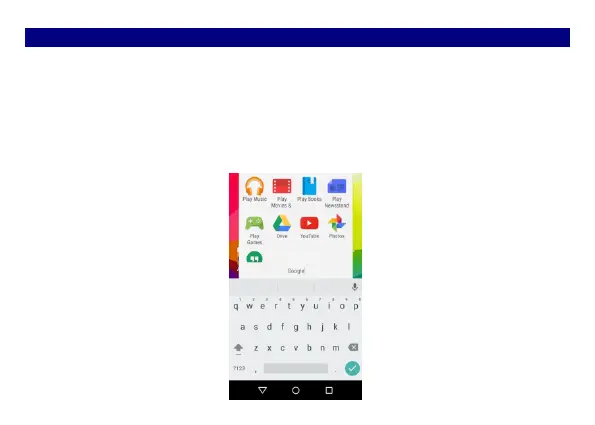
Press and hold an application icon or a widget that you want to move. The phone then vibrates.
Don't release your finger. Drag the application icon or widget and drop it on top of another
application icon or widget.
Deleting folder
Drag out all the applications from the folder, then the folder will be deleted automatically.


 To Next Page