19
8. Send and Receive message(s)
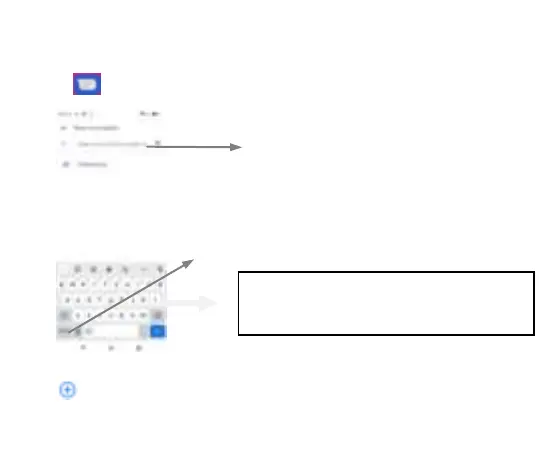
Touch enter to messaging, touch “Start chat”.
When you are composing a new text message, you can select text for cutting or copying. The
selected text is highlighted in blue
Tap
to add “Attach” including Pictures, Videos, Audios, etc to send MMS.SMS
Tap this icon to select desired
contact from phone book.
Touch to switch the digital input and
symbols
Press space or a punctuation mark to enter the highlighted
suggestion



 To Next Page