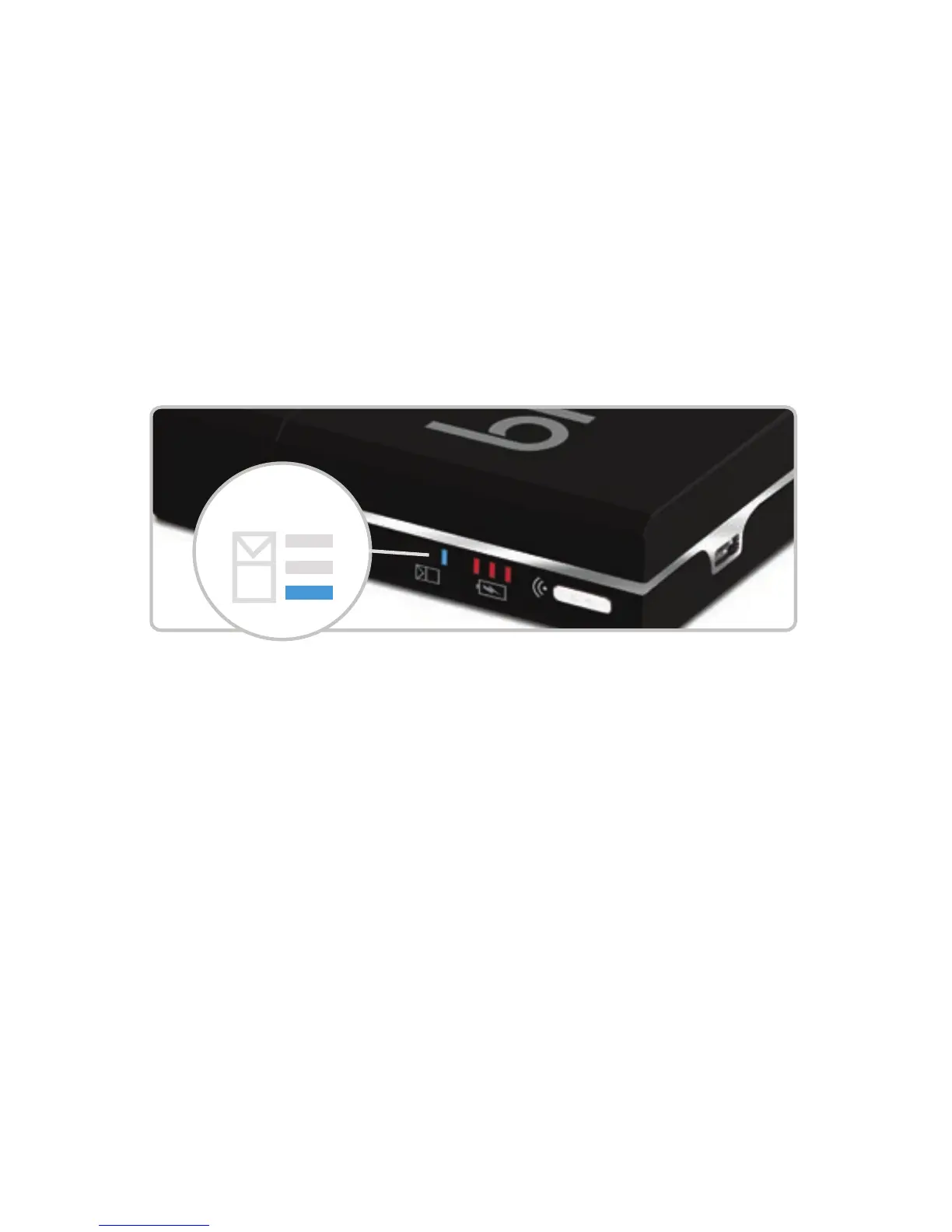
The 3 blue lights on the side of your pack will start cycling to
show the pack is charging. These lights will stop cycling and the
pack will vibrate once to indicate the pack has been charged
successfully. The pack will charge your cigarette batteries up to
nine times before requiring a full recharge.
When your blu pack needs recharging, the last blue light on the
side of your pack will blink, letting you know that it needs to be
charged and cannot charge your spare battery fully.
5
In general use, your batteries will let you know they need to be
recharged by blinking 30 times. To charge your cigarette battery
using the pack, simply place the battery into the no-screw charge
port inside the pack. This new feature eliminates the need to
screw the battery into the pack – as long as the battery is inside
the charge port, it is charging. During charging the three red
lights on the side of your pack will cycle. They will stop cycling
when the battery is charged. Store the battery in the charge port
until needed. The updated battery management system prevents
over-charging and ensures the batteries will always perform at
an optimum level.
Recharge Required:


 To Next Page
 Loading...