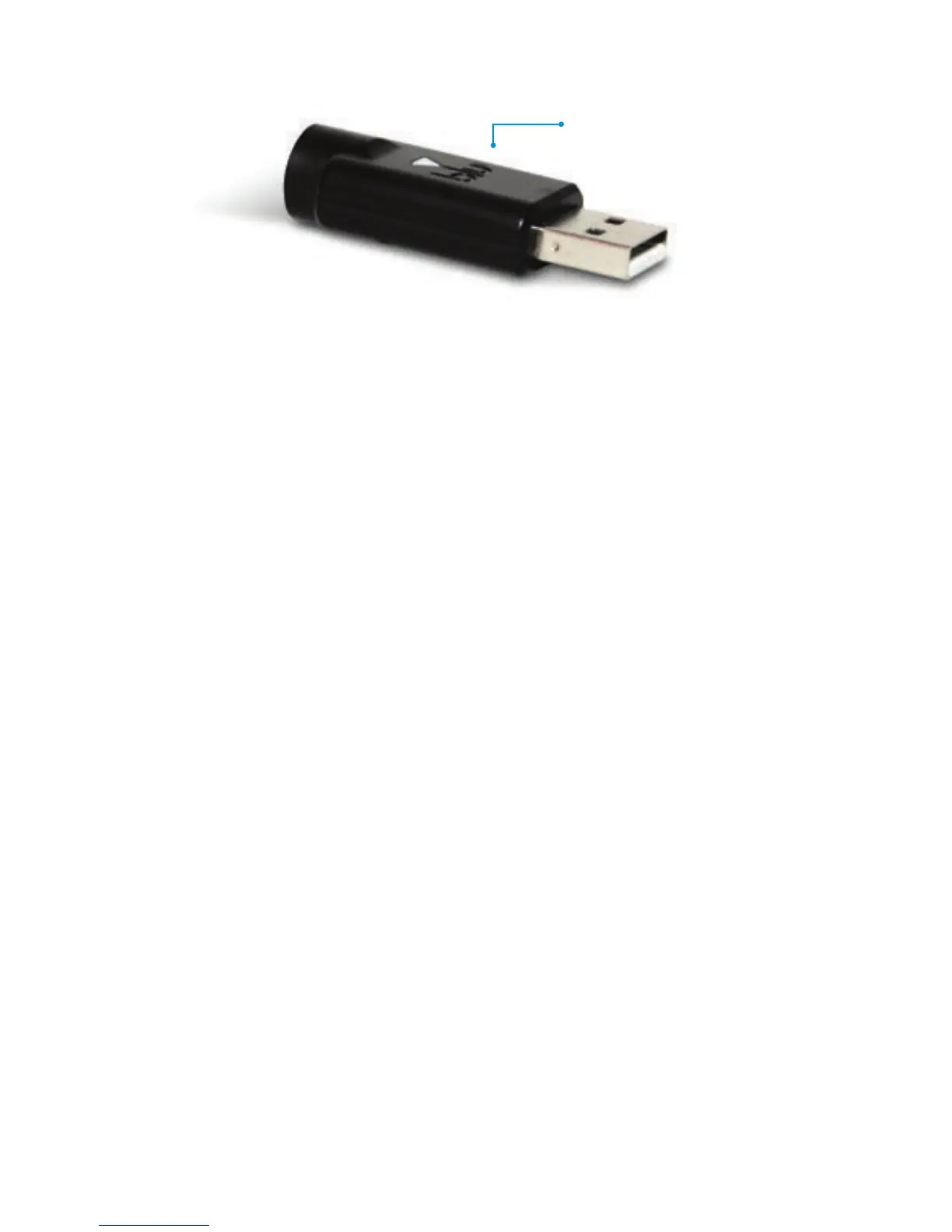
To charge using the USB charger, plug it into an available USB
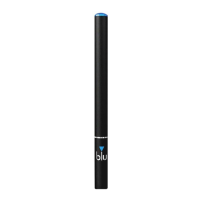
port on your computer, then screw the battery clockwise into the
USB charger. The blue light on your cigarette battery will flash
and the USB charger light will turn red to signify charging has
begun. Once fully charged, the light on the USB charger will turn
blue, letting you know your battery is ready for use and can be
unscrewed from the charger.
WARNING: Do not use your blu™ electronic cigarettes with any
devices or products other than supplied. Do not charge your blu
batteries with any charging device other than blu chargers.
Charging using any other device may cause fire and will void
your warranty.
6
Using Your blu Cartridges or blu Tank™ Systems
USB Charger
To use a blu flavor cartridge or blu tank system (Premium100 only),
simply take one f
rom the pack, remove the plastic cap and the
sticker frrom each end, and screw onto the battery. The cartridges
and tanks are sealed until the plastic cap and intake seal
are removed, but if for some reason you get fluid from the
cartridge on your hands or skin, simply wash under water.
blu cartridges and tank systems are designed



 To Next Page