5
Introduction
Installation of the SIM Card
Ensure that the SIM card is installed before using your phone.
Please keep the SIM card out of the reach of children. The SIM card
and its contact are easily damaged due to scratching or bending.
Please be cautious when carrying, installing or taking out the SIM
card. Note: The SIM card is obtained through your cellular phone
service provider. Please contact them directly.
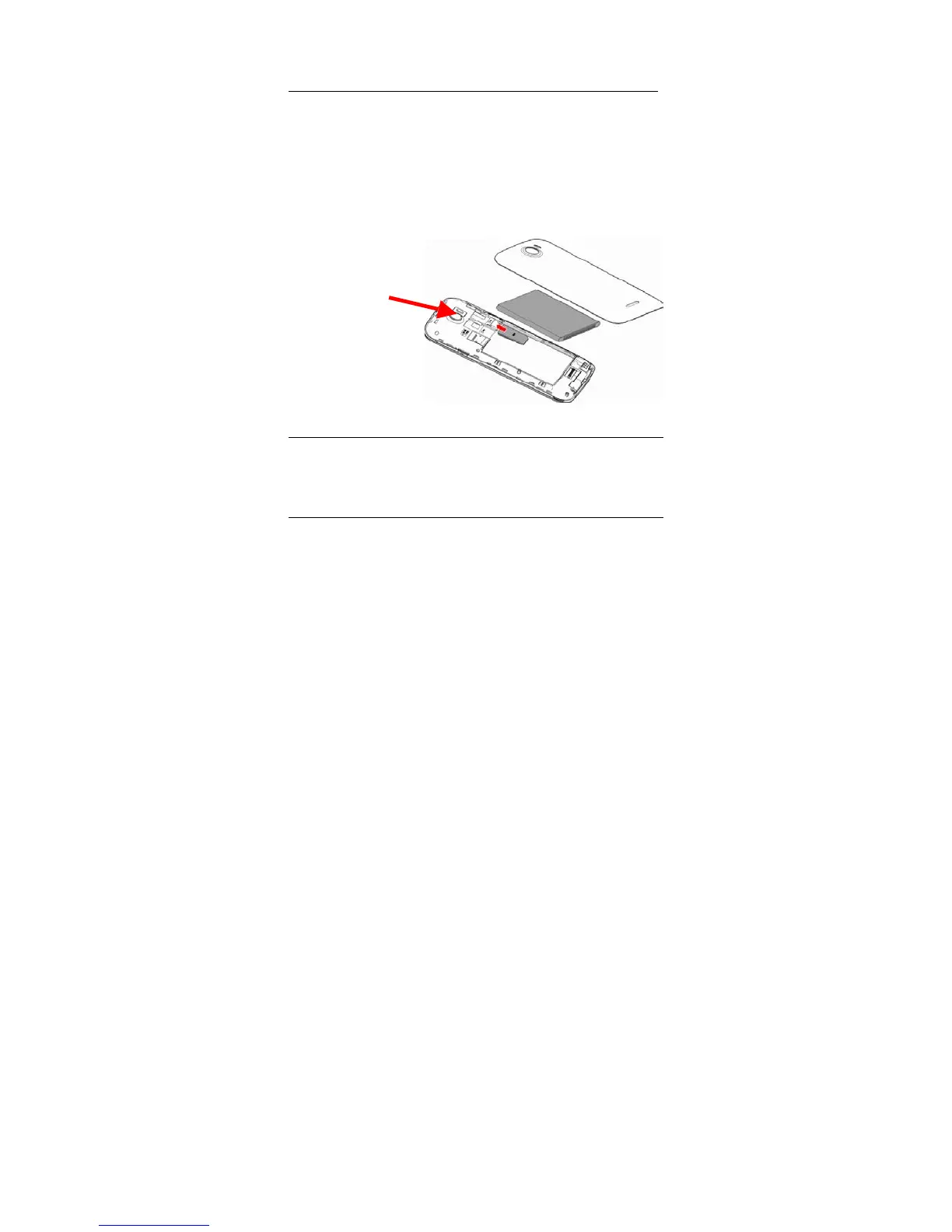
To insert SIM card:
1. Switch off the mobile phone and remove the rear cover.
2. Insert the SIM card. Insert SD card (For additional capacity)
3. Replace the rear cover of the mobile phone and power on.
Power On and Off
On - Please ensure the SIM card has been properly inserted into the
phone. Long press the Power key to switch on the phone.
Off - In standby mode, long press on Power key until an options
menu appears. Select OFF in the menu and confirm
Password Lock
You may set a screen unlock picture or a PIN code lock as a security
measure. For further information regarding password locks,
password revision and other functions please enter the security
settings of the phone.



 To Next Page