EasyManua.ls Logo

Blu Studio 5.0 - Add Widgets and more Icons to Home Screen; Add Widgets and Icons to Home Screen; Screen

Blu Studio 5.0
25 pages
Print Icon
To Next Page IconTo Next Page
To Previous Page IconTo Previous Page
Loading...
8
A
A
d
d
d
d
W
W
i
i
d
d
g
g
e
e
t
t
s
s
a
a
n
n
d
d
m
m
o
o
r
r
e
e
i
i
c
c
o
o
n
n
s
s
t
t
o
o
H
H
o
o
m
m
e
e
S
S
c
c
r
r
e
e
e
e
n
n
A
A
d
d
d
d
w
w
i
i
d
d
g
g
e
e
t
t
s
s
a
a
n
n
d
d
i
i
c
c
o
o
n
n
s
s
t
t
o
o
h
h
o
o
m
m
e
e
s
s
c
c
r
r
e
e
e
e
n
n
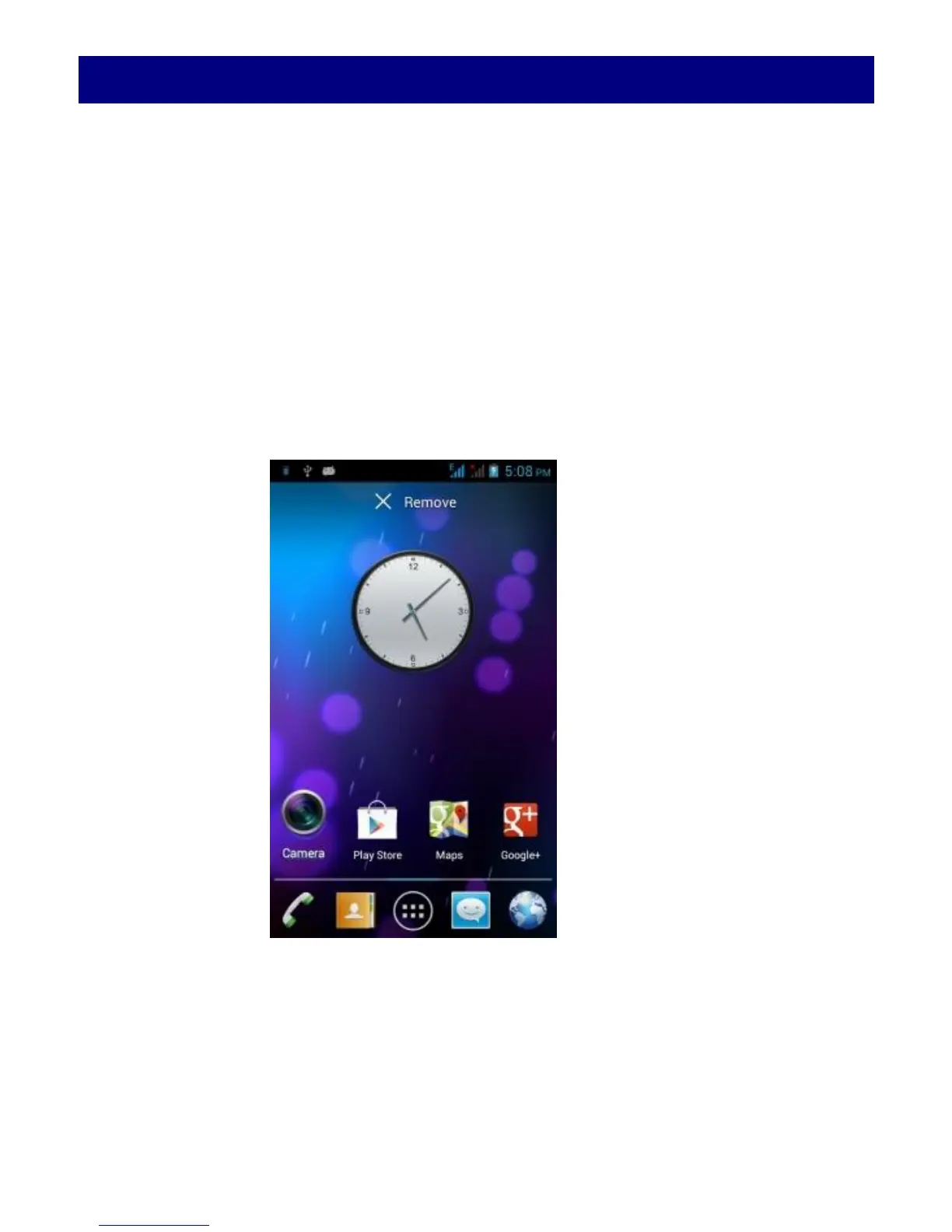
Enter Launcher and long press and hold an application till the screen
vibrates, and then release your finger hold.
R
R
e
e
a
a
r
r
r
r
a
a
n
n
g
g
e
e
o
o
r
r
r
r
e
e
m
m
o
o
v
v
e
e
w
w
i
i
d
d
g
g
e
e
t
t
s
s
a
a
n
n
d
d
i
i
c
c
o
o
n
n
s
s
o
o
n
n
y
y
o
o
u
u
r
r
H
H
o
o
m
m
e
e
s
s
c
c
r
r
e
e
e
e
n
n
a). Long press and hold the widget or icon you want to move. Once
the phone vibrates, don't release your hold on the icon. Drag the
widget or icon to a new location on the screen. b. Press and hold on
an icon till the phone vibrates, and drag the widgets or icon to
remove!

Related product manuals