7
(to zoom out) or spreading them apart (to zoom in).
Rotate the screen: On most screens, the orientation of the screen rotates with the
phone as you turn it from upright to its side and back again. You can turn this feature
on and off.
5. Communication
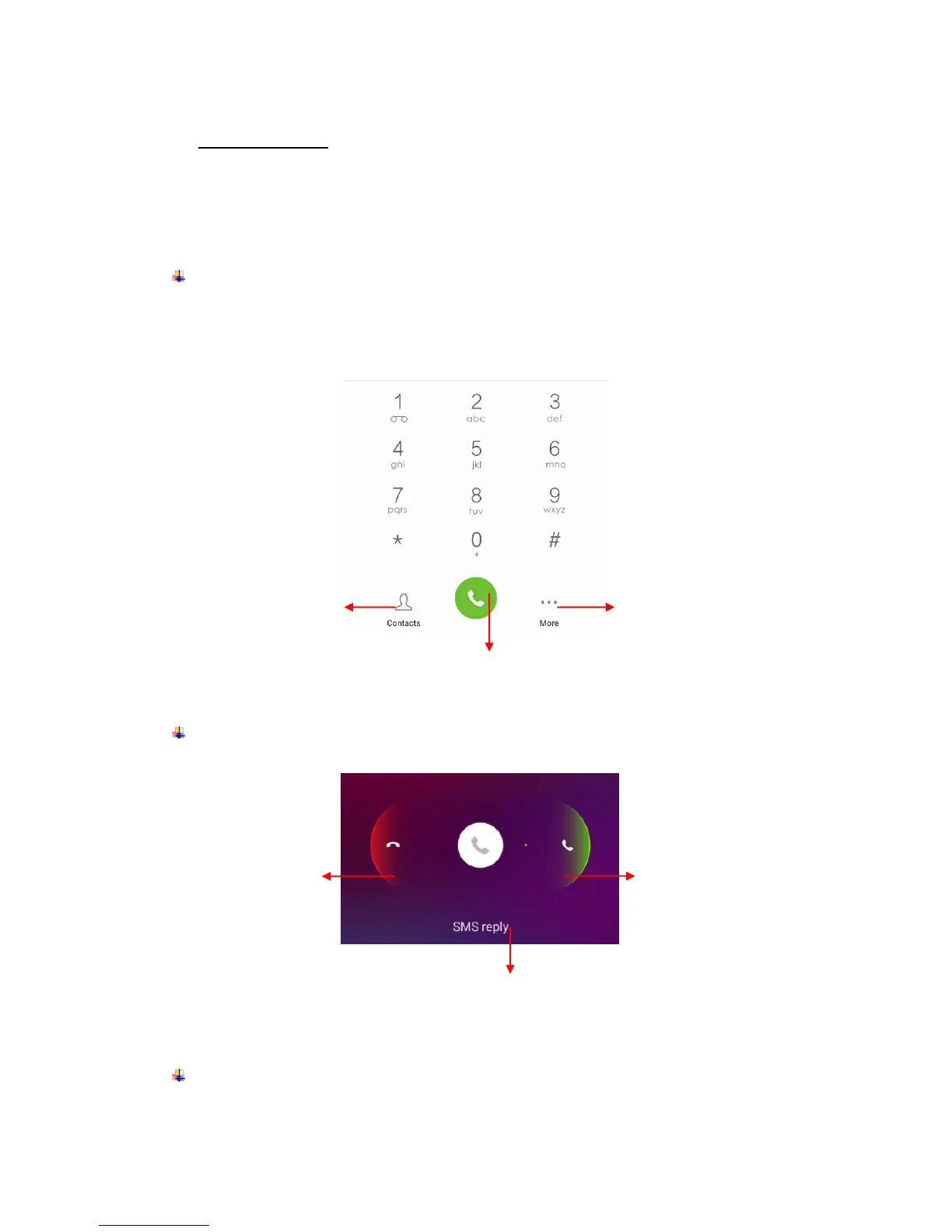
Make a call
Touch the phone icon on the Home screen.
Enter the phone number you want to dial.
Touch the phone icon to dial the number that you entered.
Incoming call
Send a Message
You can use this phone to exchange text messages and multimedia messages with your











 To Next Page