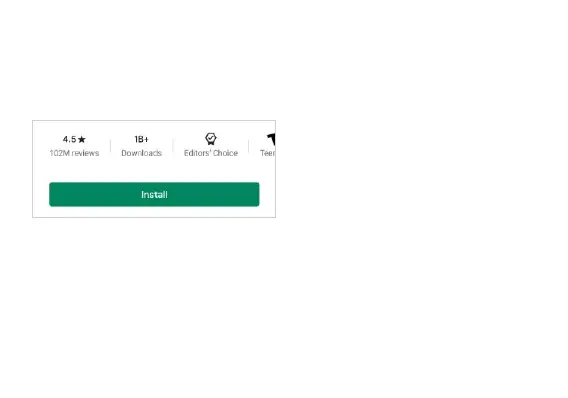
application.
» Click on the application.
» Click on INSTALL
» Follow the on-screen instructions to complete the installation.
Android OS Note: Any native or installed applications will ask for permission when accessed for the first
time
Camera
Prior to use: It is suggested that you insert SD card before using the camera or video camera. All photos
or videos taken by the phone should be typically stored in the memory card for storage of large capacity



 To Next Page