25
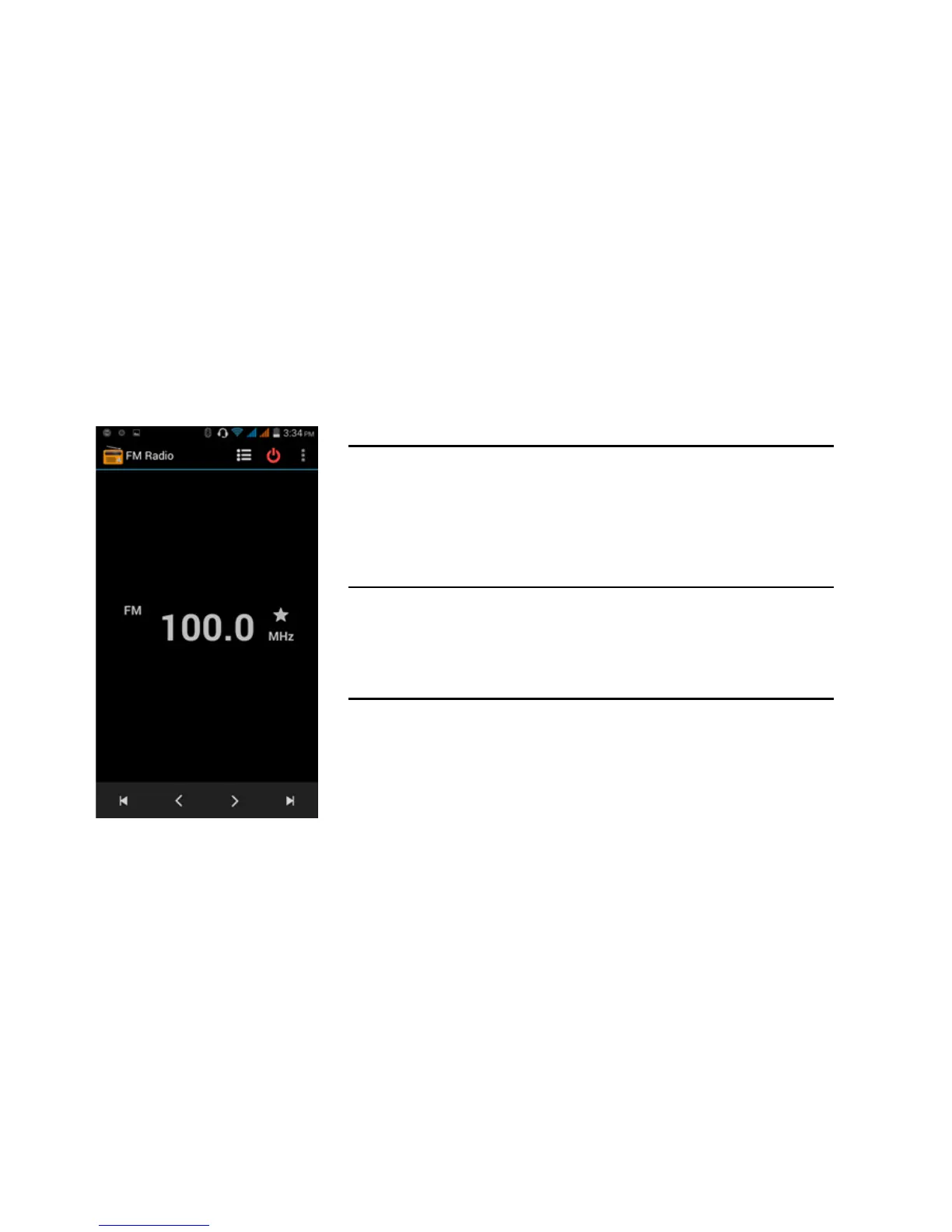
FM Radio
FM Radio
Through this function, you may listen to FM radio on the
device. The FM radio uses the wired headphones as an
antenna in order to receive signal. Before using this
function, connect the original equipment headphones that
came with the phone.
Open FM radio
Press the FM Radio icon to open the application.
1. Click “Search” automatic scans of FM channels.
2. Click to add favorite radio stations.
FM Radio as Background
Click on the Home key to move the FM Radio to the
background.



 To Next Page