24
Camera
Prior to use: Insert SD card before using the camera or video camera. All photos or videos taken by the
phone should be stored in the memory card for large storage capacity of images and videos.
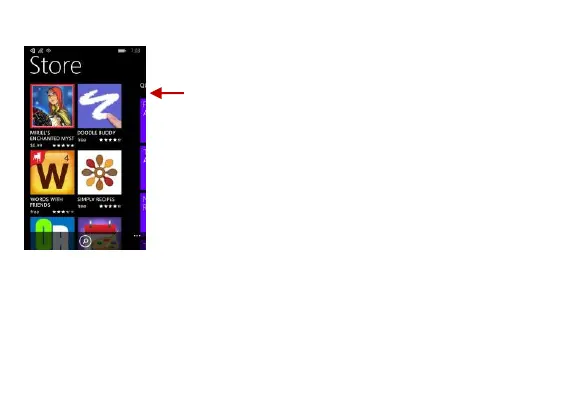
Search and select between
different Store categories
Once your applications you
have downloaded are
installed into the phone,
swipe over to the application
menu to access them
directly. You may pin any
application to the start
screen for easier access.


 To Next Page