2. On your phone or other Bluetooth device, go to your Bluetooth menu (sometimes
located under Settings, Wireless, Connectivity, or another submenu), and select "Add
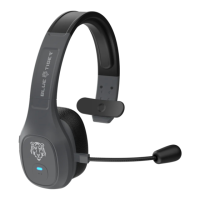
New" or "Search for New Devices." With your Blue Tiger in pairing mode, your phone
or other Bluetooth device should locate your headset.
3. On your phone or other Bluetooth® device, select your headset on the list. Your
device may ask for a passkey or PIN code. If so, input "0000."
4. On your phone or other Bluetooth® device, select "Connect" or "Automatically
Connect."


 To Next Page