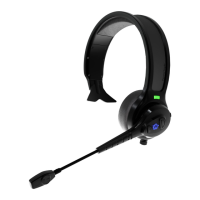
Pairing Instructions
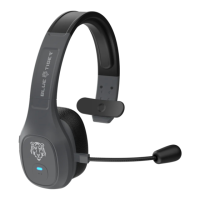
To pair your Blue Tiger Elite™ headset to your compatible Bluetooth® device, follow
the instructions below step by step. If you experience difficulty, turn off your audio
device and your headset and start over from step one.
1. Making sure that your Blue Tiger headset is in the "Off" position (no light flashing
on the bottom of the headset), press and hold the answer/end button for about 10
seconds, until the LED light begins alternating between red and blue flashes. The
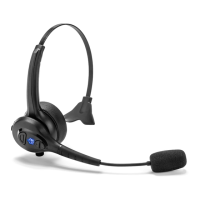
answer/end button is located where the FlexMic™ microphone arm connects to the
ear piece. This will place the headset into "pairing mode" allowing it to connect with
another Bluetooth® device.


 To Next Page