19
Reset the Commute
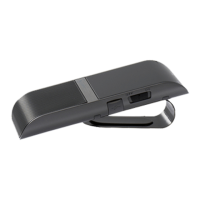
If you are having problems with the Commute you can reset it
and start again.
Resetting the Commute will clear all the stored pairing
settings on the Commute, delete any stored contact details and
put the device back to the factory defaults.
To reset the Commute:
1. Delete any existing pairing information from your phone and
turn it off and back on again to refresh the phone memory.
2. Make sure the Commute is switched on but not connected
to any phones.
3. Press and hold the + and - symbols for about 6 seconds,
until the Commute announces that it has been reset.
4. Now turn the Commute off and back on again.
You will now need to select your language and pair your phone
with the Commute again.


 To Next Page