22
2. Power the phone off and back on.
3. Reset your Commute and pair it with your phone again.
This is due to the way the Android PBAP request system works.
BlackBerry
®
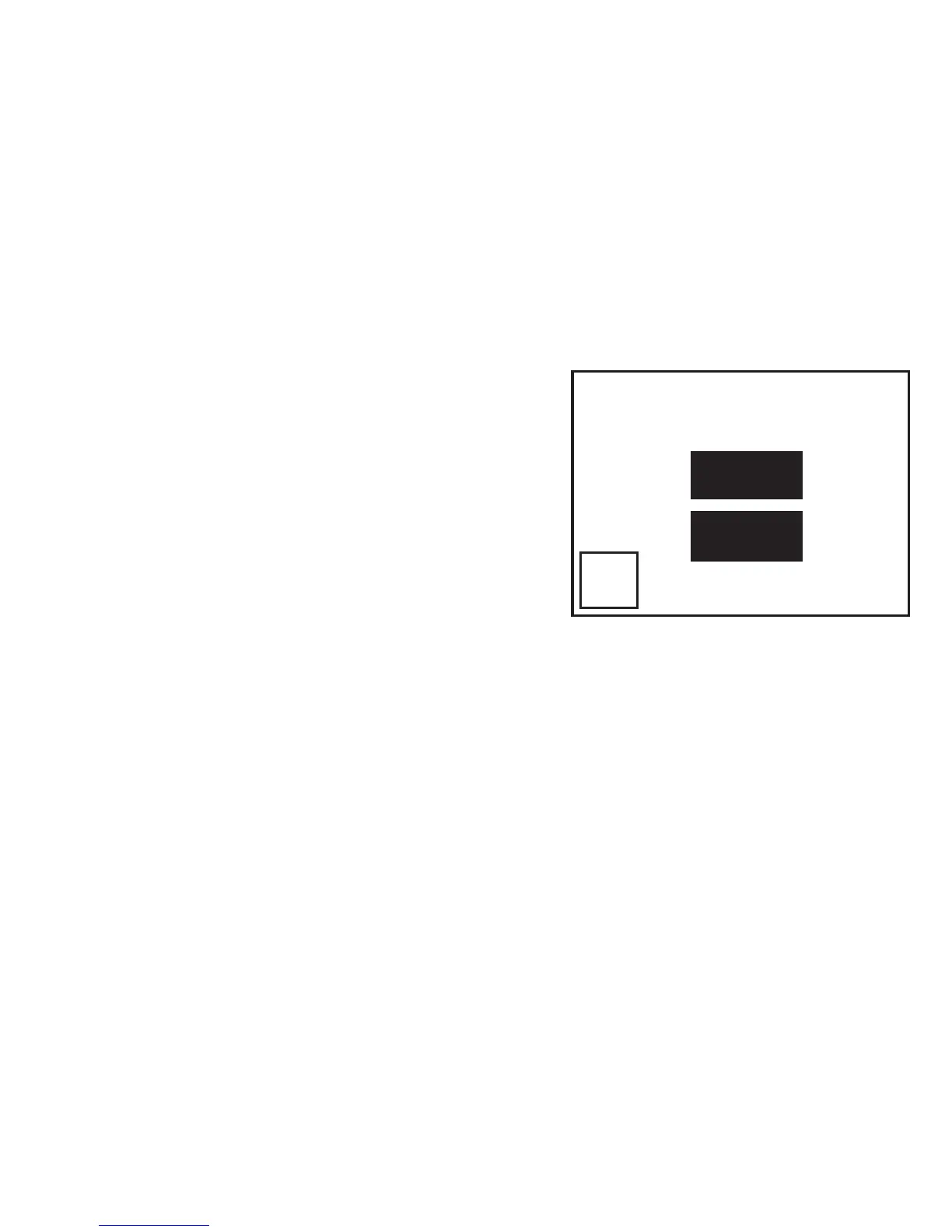
If you are using a BlackBerry
smartphone you may see a message
like this one.
Select “Don’t ask this again” so that
a tick appears in the box, and then
choose “YES”.
Manually Transferring your Phonebook Contacts
Some phones do not support automatic phonebook transfers: if
this is the case on your phone then the Commute will instruct
you to start sending contacts to the Commute manually. To do
this:
1. Wait to be prompted to start sending contacts to the
Commute.
2. Go to your phonebook and select the contacts you want
Accept connection request
from BlueAnt Commute?
YES
NO
Don’t ask this again


 To Next Page