12
Taking Calls
When the phone rings, wait for the prompt to ask you if you
want to take the call, and then say Answer or Ignore. Or:
> To accept the call click the Command button once.
> To reject the call double click the Command button.
During a call, click the Command button to end the call.
Volume Control
Use the volume rocker:
> Push up for volume up.
> Push down for volume down.
Note: See the next section for
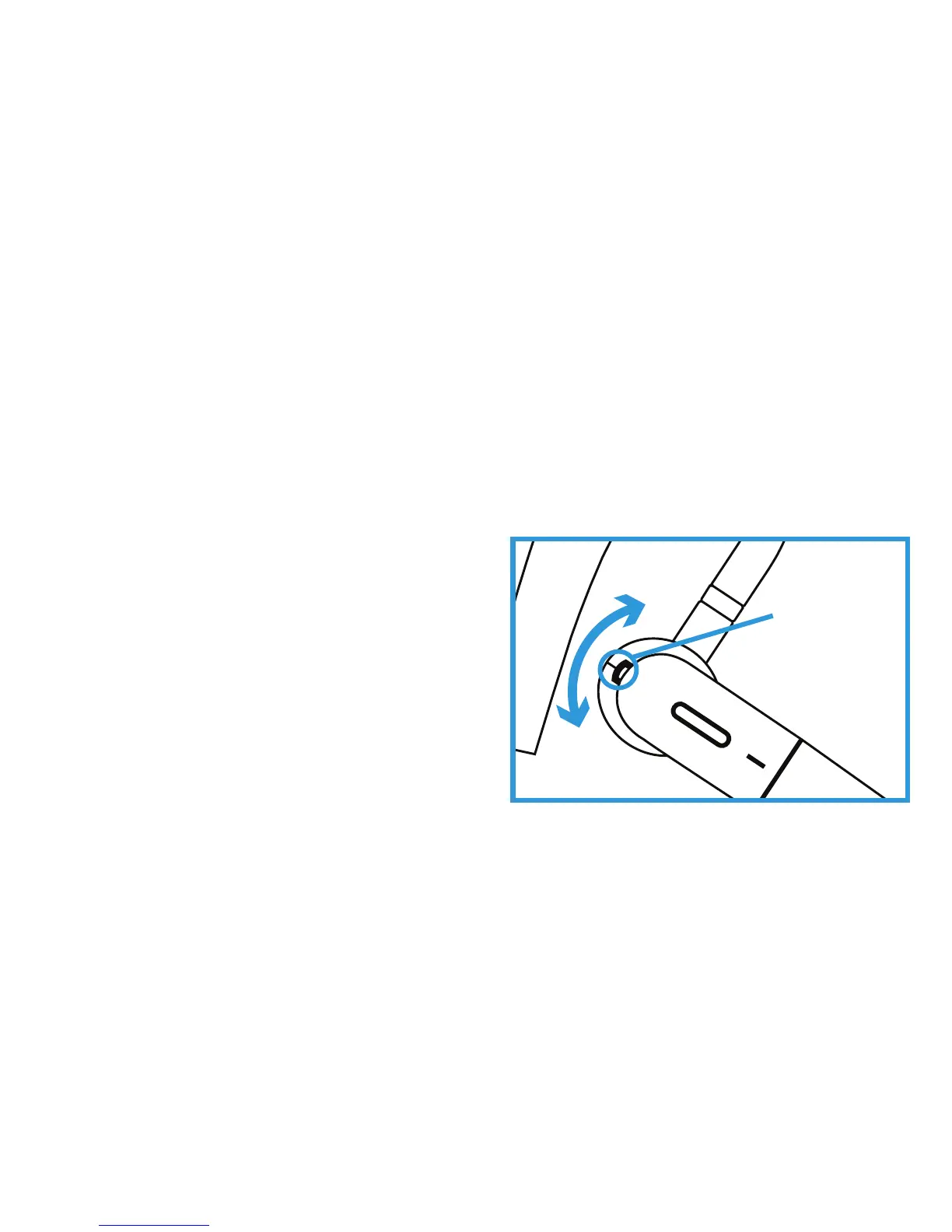
advice if you wear the Connect in your left ear.
Wearing the Connect in your Left Ear?
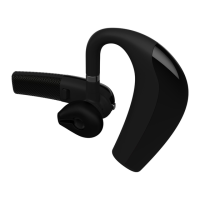
The Connect volume controls are set by default for users
wearing the earpiece in their right ear.
Volume
Rocker


 To Next Page