5
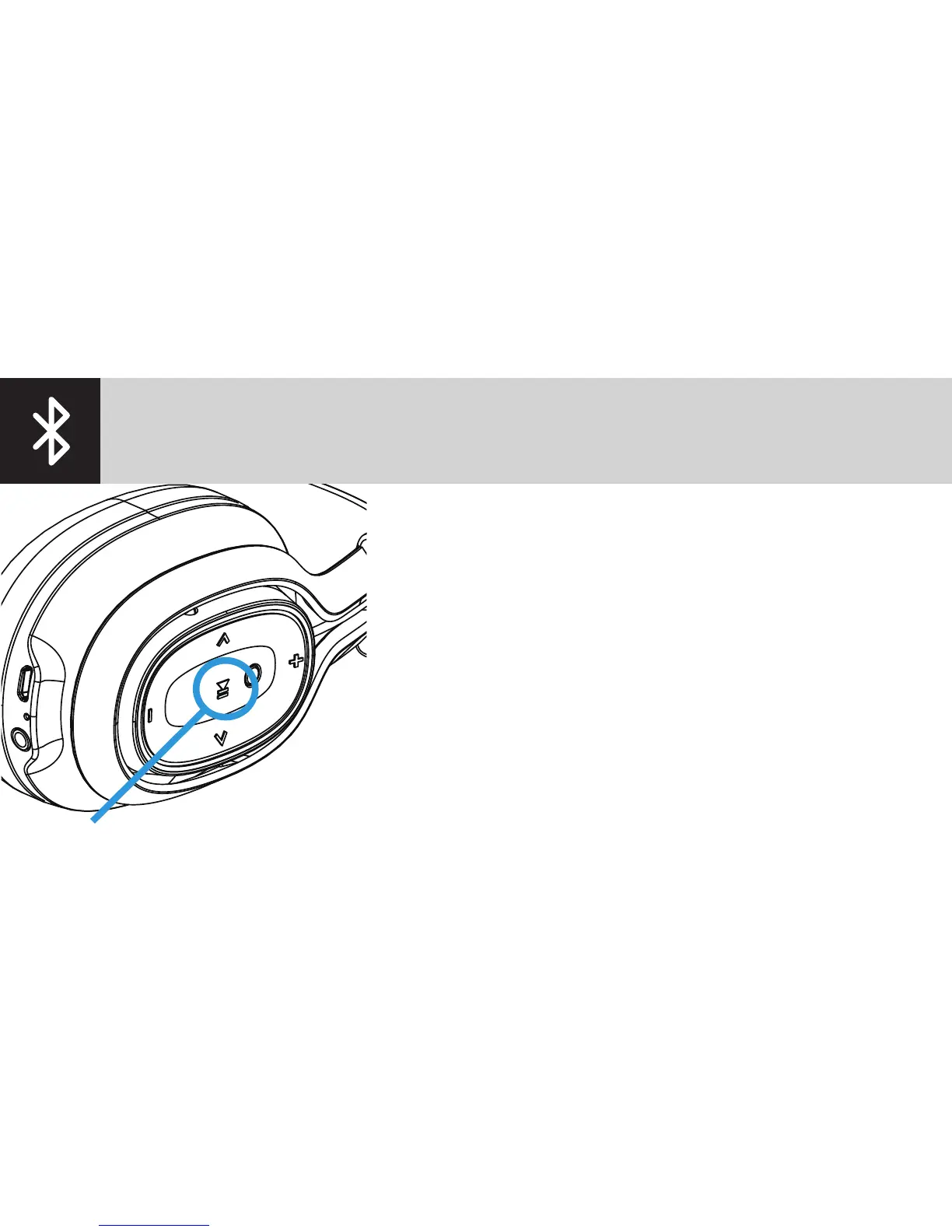
1. Make sure the headphones are powered off.
2. Press and hold the multifunction button for 5 seconds.
3. Search for devices on your phone.
4. Select the BlueAnt Pump Zone.
5. If prompted, enter the PIN 0000 on your phone.
If your phone supports NFC you can use this to pair:
power on the Zone and then hold your phone against the
outside of the left earpiece where the NFC logo is. Your
phone should prompt you to pair the Bluetooth device.
Select Yes and the Zone and phone will connect.
PAIR




 To Next Page