EasyManua.ls Logo

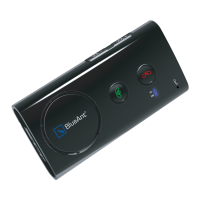
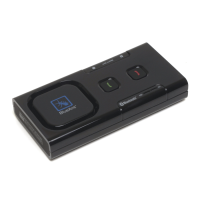
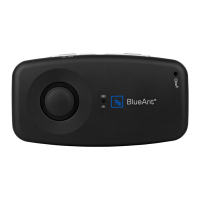
Blueant SUPERTOOTH 3 - User Manual

Blueant SUPERTOOTH 3
48 pages
Print Icon
To Next Page IconTo Next Page
Loading...

Other manuals for Blueant SUPERTOOTH 3

Question and Answer IconNeed help?

Do you have a question about the Blueant SUPERTOOTH 3 and is the answer not in the manual?

Summary

Charging the Device

Battery Status Indicators

Explains LED and voice cues for battery charge levels.

Powering On and Off

Language Selection and Pairing

Step-by-Step Pairing Guide

Guide for selecting language and establishing Bluetooth connection with a phone.

Automatic Phonebook Transfer

Phonebook Update Process

Basic Operations

Call Management and Dialing

Covers answering, ending, redialing, rejecting calls, and voice dialling.

Volume Control and Audio Transfer

Advanced Functions

Device Management

Special Features

FAQ and Troubleshooting

Troubleshooting Common Issues

Solutions for connection, sound, pairing, and operational problems.

Summary

Charging the Device

Battery Status Indicators

Explains LED and voice cues for battery charge levels.

Powering On and Off

Language Selection and Pairing

Step-by-Step Pairing Guide

Guide for selecting language and establishing Bluetooth connection with a phone.

Automatic Phonebook Transfer

Phonebook Update Process

Basic Operations

Call Management and Dialing

Covers answering, ending, redialing, rejecting calls, and voice dialling.

Volume Control and Audio Transfer

Advanced Functions

Device Management

Special Features

FAQ and Troubleshooting

Troubleshooting Common Issues

Solutions for connection, sound, pairing, and operational problems.

Blueant SUPERTOOTH 3 Specifications

General IconGeneral
BrandBlueant
ModelSUPERTOOTH 3
CategoryAutomobile Accessories
LanguageEnglish

Related product manuals