4
1
2
3
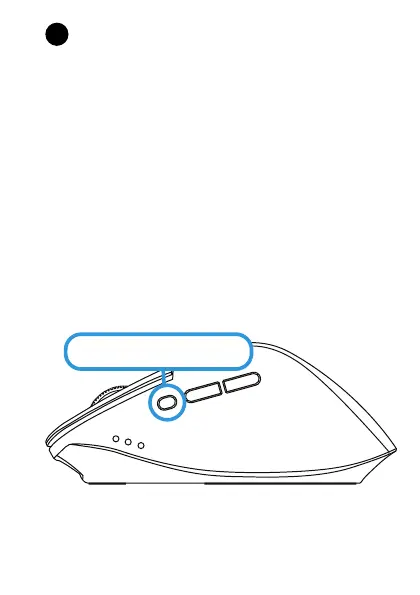
Press the connect button for 5 seconds to activate the
Bluetooth connection. Next, open the Bluetooth
settings on your computer, laptop or other device
and select the mouse. e connection will be
established within a few seconds. If you want to use
your mouse on multiple devices simply repeat this
step. Press the connect button to switch source.
Press for 5s to connect
2
HOW TO CONNECT YOUR MOUSE
(BLUETOOTH)



 To Next Page