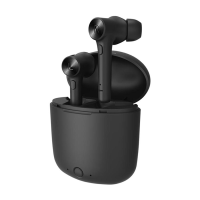
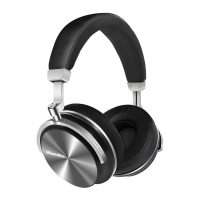
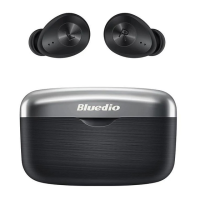
Welcome to your new headset
We appreciate your choice tithe headset.
To verify the headset
Scrape the anti-fake label on the package for verification code; Visit our webs ite: www bluedio corn;
Enter the verification code to verify the headset.
Learn more and Get Support
Welcome to visit www.bluedio.com; Or to email us at aftersales@gdliwei.com; Or to call us at 020-
86062628.
Security Precautions:
In order to have a proper and safe use of the headset. please read this user manual in detail and save
it.
Please read this user manual carefully and keep for future reference important Safety
Information
DON’T use the headset at a high volume for any extended period. To avoid hearing damage,
make sure to use your headset at a comfortable, moderate volume level.
DON’T use the headset during any activity requiring your full attention, e.g., while driving, riding
a bike or crossing streets
Keep the headset, accessories and packaging parts out of reach of children to prevent accidents
and choking hazards.
Always keep the headset dry and DON’T expose it to extreme temperatures (hairdryer, heater.
extended exposure to sunlight, etc.) to avoid corrosion or deformation.
DON’T use the headset if you feel obvious discomfort, irritation or other adverse reactions
Delivery includes
Bluetooth headset 1pc
USB charging cable 1pc
Audio cable 1pc
User manual 1pc
Charging and battery
Only use charging cable supplied by Bluedio, or may cause daiaeWThellset.
Warning
The DC voltage should be 5V and current should exceed 400rnA
Charging
The headset built-in battery is rechargeable and non-detachable. Do not replace the battery.The
headset built-in battery is rechargeable and non-detachable. Do not replace the battery.
1. Switch off the headset before charging.
2. Connect the smaller plug of the charging cable to the USB socket of the headset; connect the
other plug to the USB socket of your computer or other charging device; the LED lights up red and
the headset is being charged.
3. When the headset is fully charged(about 1.5-2hrs), the LED lights up blue or LED goes out
Headset Overview


 To Next Page
 Loading...