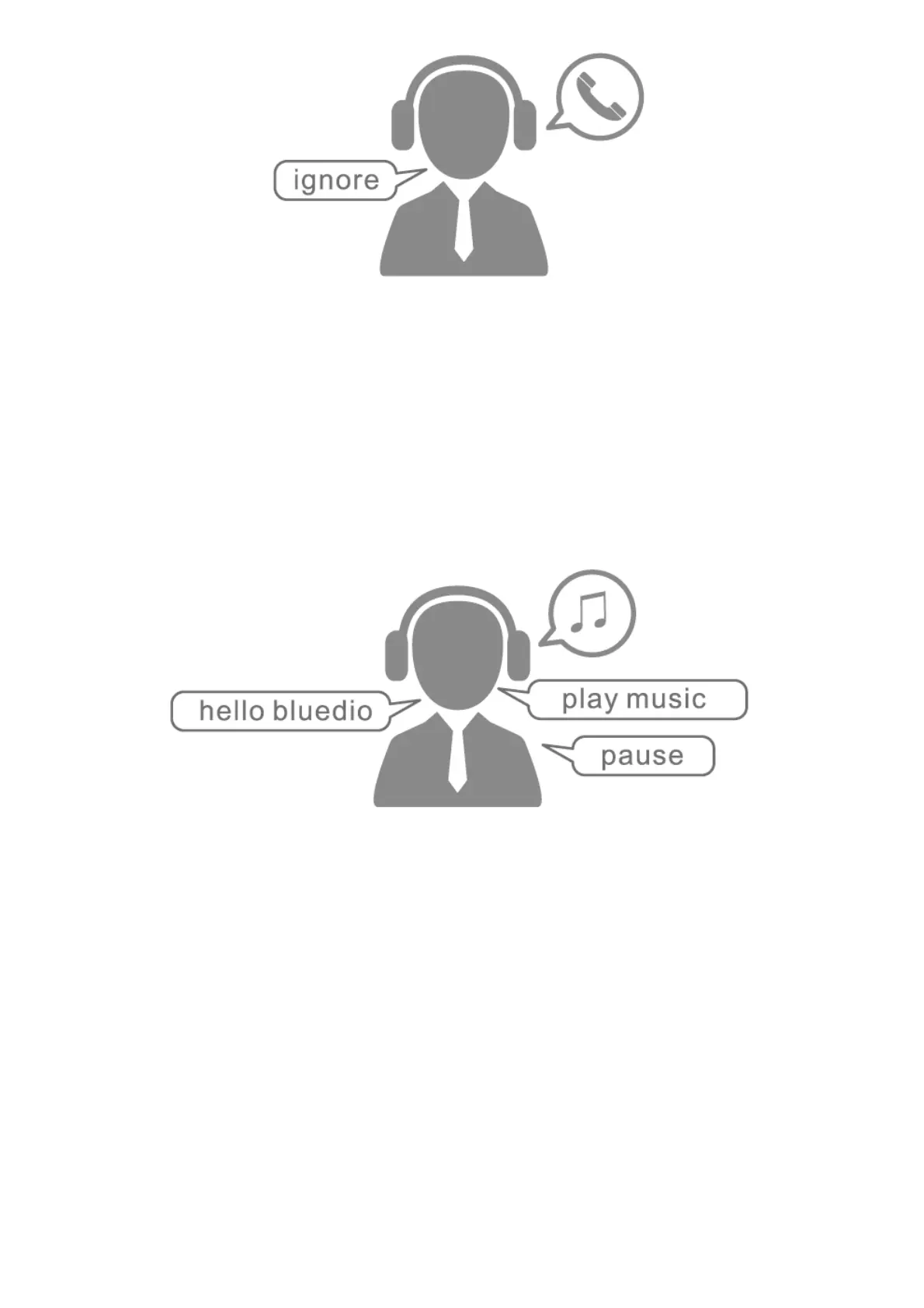
Music pause/play:
1. When playing music, say “hello bluedio” to activate the voice control, and then say “pause” to
stop playing.
2. When the music is stopped, “hello bluedio” to activate the voice control, and then say “play
music” to resume playing.
3. You can also use your phone to stop/play the music.
Volume up & down:
1. When playing music, say “hello bluedio” to activate voice control, and then say “volume up” to
increase the volume.
2. When playing music, say “hello bluedio” to activate voice control, and then say “volume down” to
lower the volume.
3. You can also use the phone to control the volume.



 To Next Page