Switch up and down:
1. Switch to the previous song via your phone.
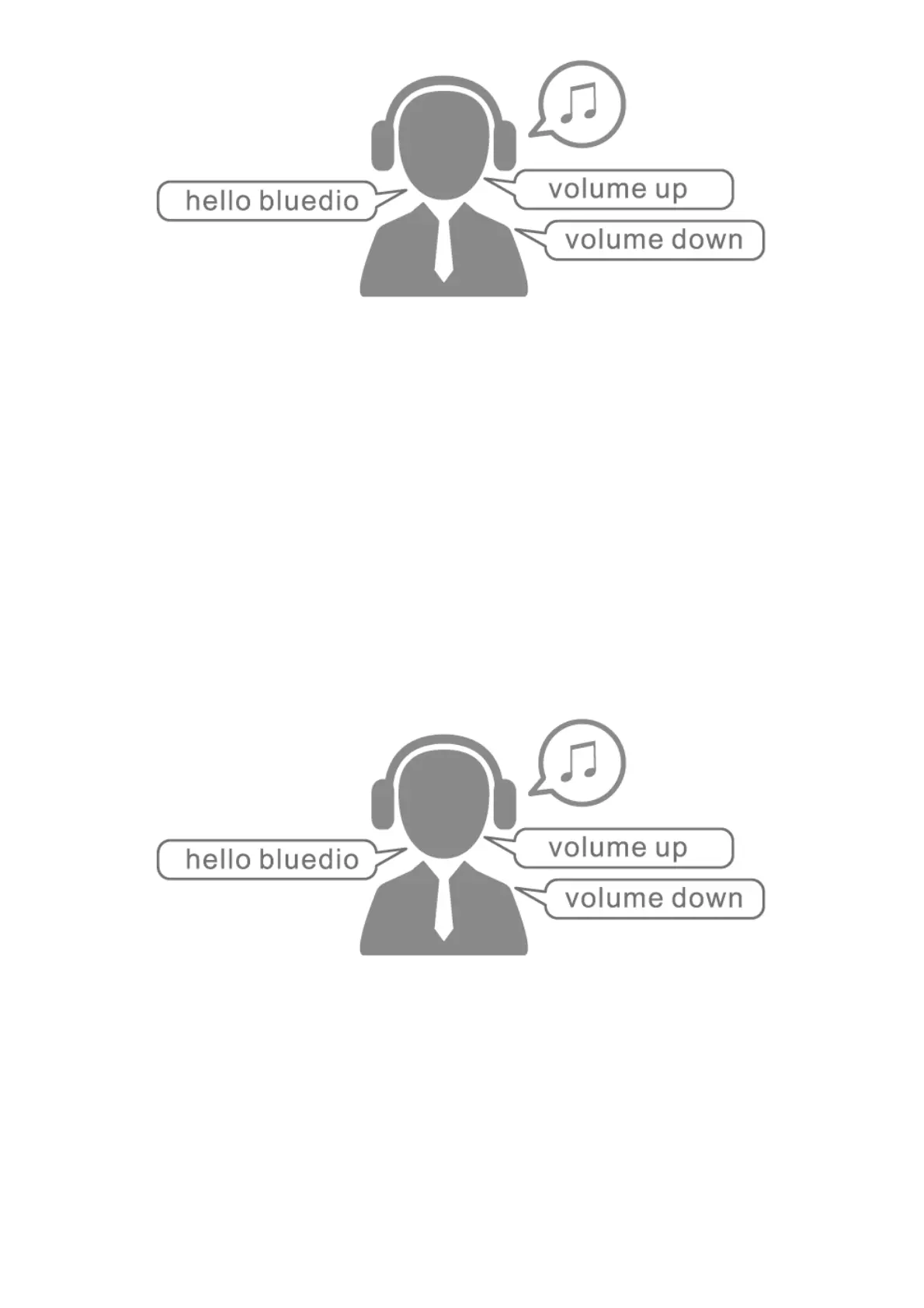
2. When playing music, say “hello bluedio” to activate voice control, and then say “next song” to
switch to the next song.
Line-in music playback
Connect the headset to phones, computers and other device to play music via a 3.5mm to Type-C
audio cable.
Note: Use the feature only if the headset is turned off. (The audio cable is not supplied with the
headset. Please purchase it through the official channels of Bluedio if needed .)
Headset charging
Charge the headset with the standard charging cable after turning it off. The red indicator light is on
during charging. The headset is fully charged within about 2.5 hours, after then the blue indicator light
is on.
Note: A DC voltage of 5V-5.5V with the current higher than 500mA must be provided if charging via a
charger.



 To Next Page