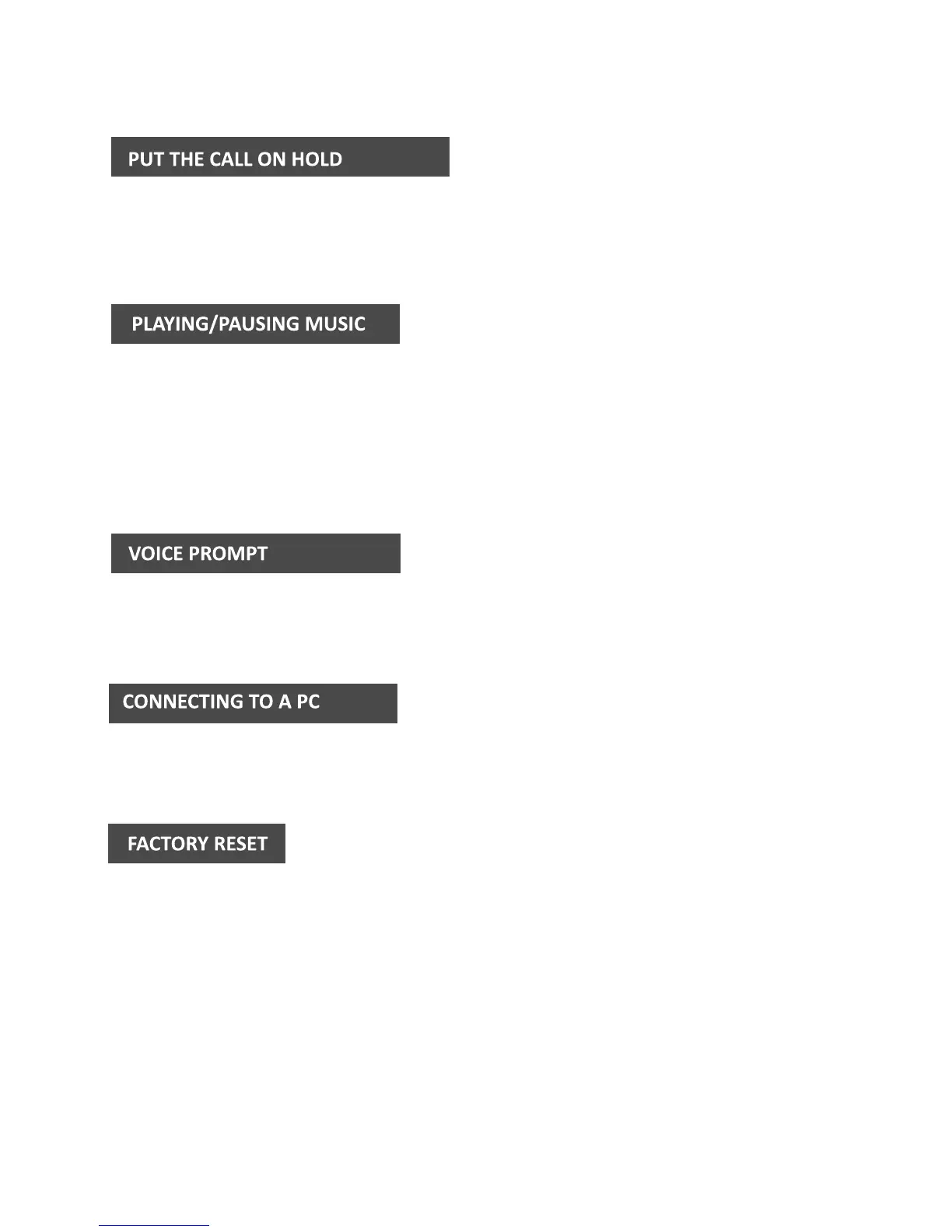
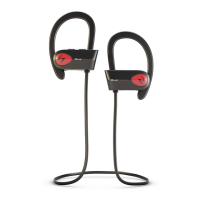
Tap and hold the Touchpad for 2 seconds to put the current call on hold
and accept the call waiting. Single tap the Touchpad to resume to the first call.
Playing Music: Single tap the Touchpad.
Plausing Music: Single tap the Touchpad.
NOTE:
There are no tracking buttons on the earbuds, please track through songs using
the controls on your mobile phone or other Bluetooth device.
Libre supports voice prompt in English only.
You can connect Libre to a Bluetooth enabled PC.
To restore Libreto factory settings, turn o both earbuds, tap and hold the
Touchpad of each earbud seperately for 10 seconds. When the LED lights
flash red and green twice the factory reset is successful


 To Next Page