9
Operating Instructions - CVTR2
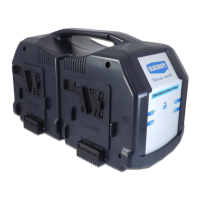
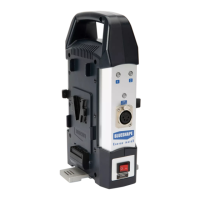
This charger sequentially charges two batteries with charging
currents of up to 4 Amperes.
How to proceed:
- Pull out and rotate the aluminium foot 90° in a left or right hand
direction for vertical free-standing operation. The unit has been
designed to remain in balance with only one battery or with both
batteries connected, if this set-up is applied.
- Plug the AC power cord provided into the charger AC input
- Plug and switch on the AC mains supply
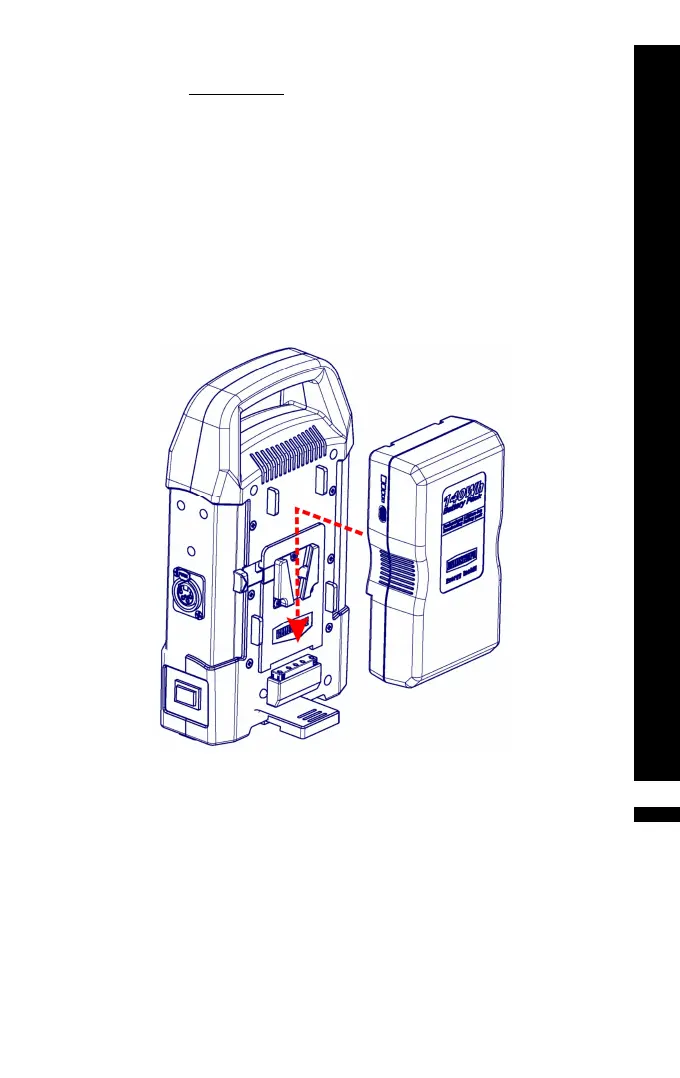
- Insert a battery inside any one of the two V-plate adapters as
shown (see picture)
- Observe the LED. In addition, the charge status may be read in
20% steps through the BLUESHAPE battery LED array.
- Leave the battery to charge for the appropriate time (see table
on page 6)
- Remove the battery when the LED becomes steady green as
shown (see picture on next page)
In the case when you want to charge 2 batteries: insert the second
battery into the second V-plate adapter. This second battery will
start charging when the first battery has finished charging.
CVTR2
BV070
BV100
BV140
BV175
BV210
Insert in the direction of the arrow


 To Next Page