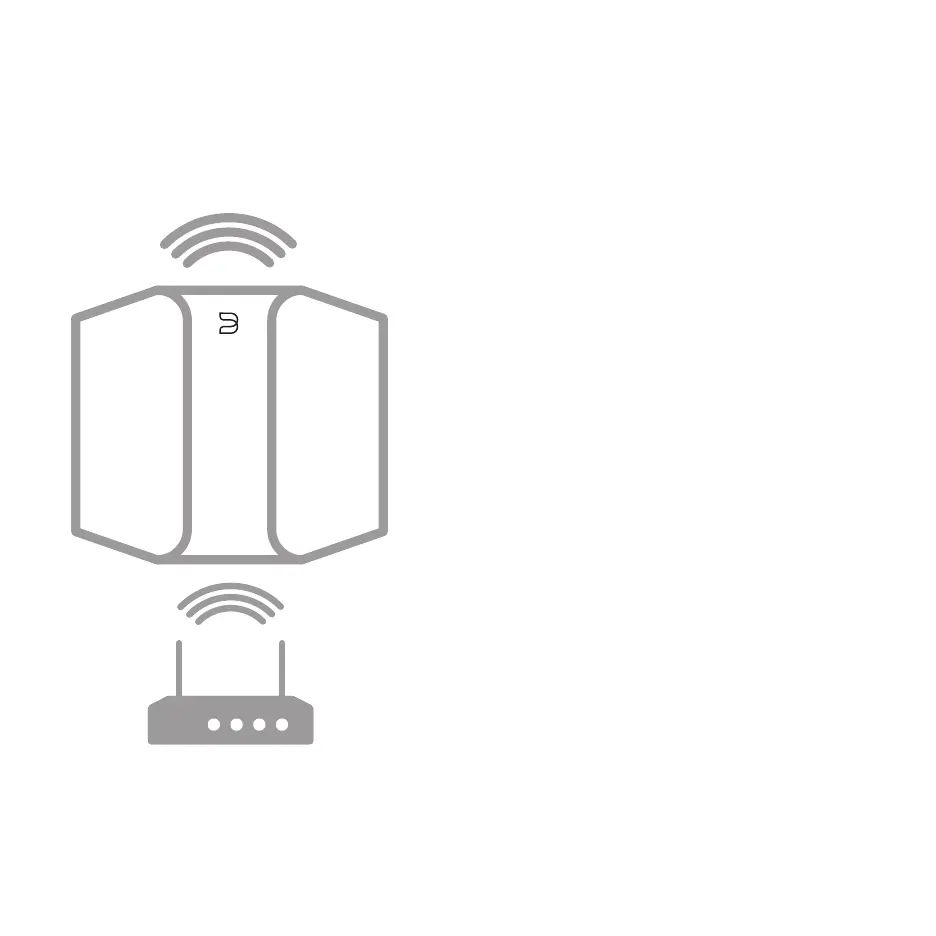
CONNECT TO WiFi
3
A On your tablet or smart phone, search for the
WiFi network matching your Node’s unique
network ID (i.e. N100xxxx),and join it.
B A web page should automatically open. If not,
open a web browser on your device and visit
http://10.1.2.3/
C Select Configure WiFi.
D Select your home network from the Configure
Wireless drop down menu.
E Enter your home network’s Wireless Password
in the field provided (if it is a protected network).
F Select a Room Name from the drop down list,
or create a customized room name in the field
provided.
G Select Update and wait for the unit’s light to turn
solid blue.
H Repeat steps A-G for each additional Bluesound
device.
Alternatively, the Node can be connected
directly to your wired home network or router
using the Ethernet cable provided.
C 25
M 10
Y 0
K 100
C 0
M 0
Y 0
K 45
6_


 To Next Page