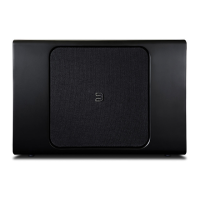
_7
CONNECT TO PLAYER
3
Visit www.bluesound.com/setup for helpful tips and tricks
A. In the BluOS App, go to the ‘Add A Player’ menu
and select PULSE SUB.
B. Follow the on-screen prompts to finish setting up
your subwoofer. You will be prompted to begin
the pairing process by pressing the ‘Pairing’
button on the PULSE SUB. It is located on the
subwoofer’s back in/out panel.
Optional
Using a subwoofer cable (not supplied) plug
one end into either of the Low Level Inputs
of the PULSE SUB. Plug the other end of the
subwoofer cable into the subwoofer output of the
PULSE SOUNDBAR.


 To Next Page
 Loading...