6_
CONNECT TO POWER
2
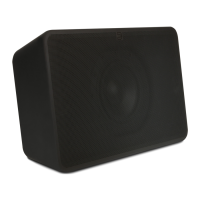
A Ensure the power switch on the back of the PULSE
SUB is in the ‘ON’ position.
B Select the AC Power Cord appropriate for your region
and plug it into the PULSE SUB, and then into your
wall outlet.
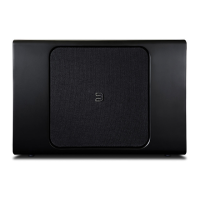
C After 5-10 seconds, the LED on the front of the
PULSE SUB will turn Solid Blue, indicating the
subwoofer is receiving power. The LED will turn off
again after approximately 10 more seconds.
Never force a power cord into a wall outlet. An
adaptor may be necessary in certain regions.


 To Next Page
 Loading...