EasyManua.ls Logo

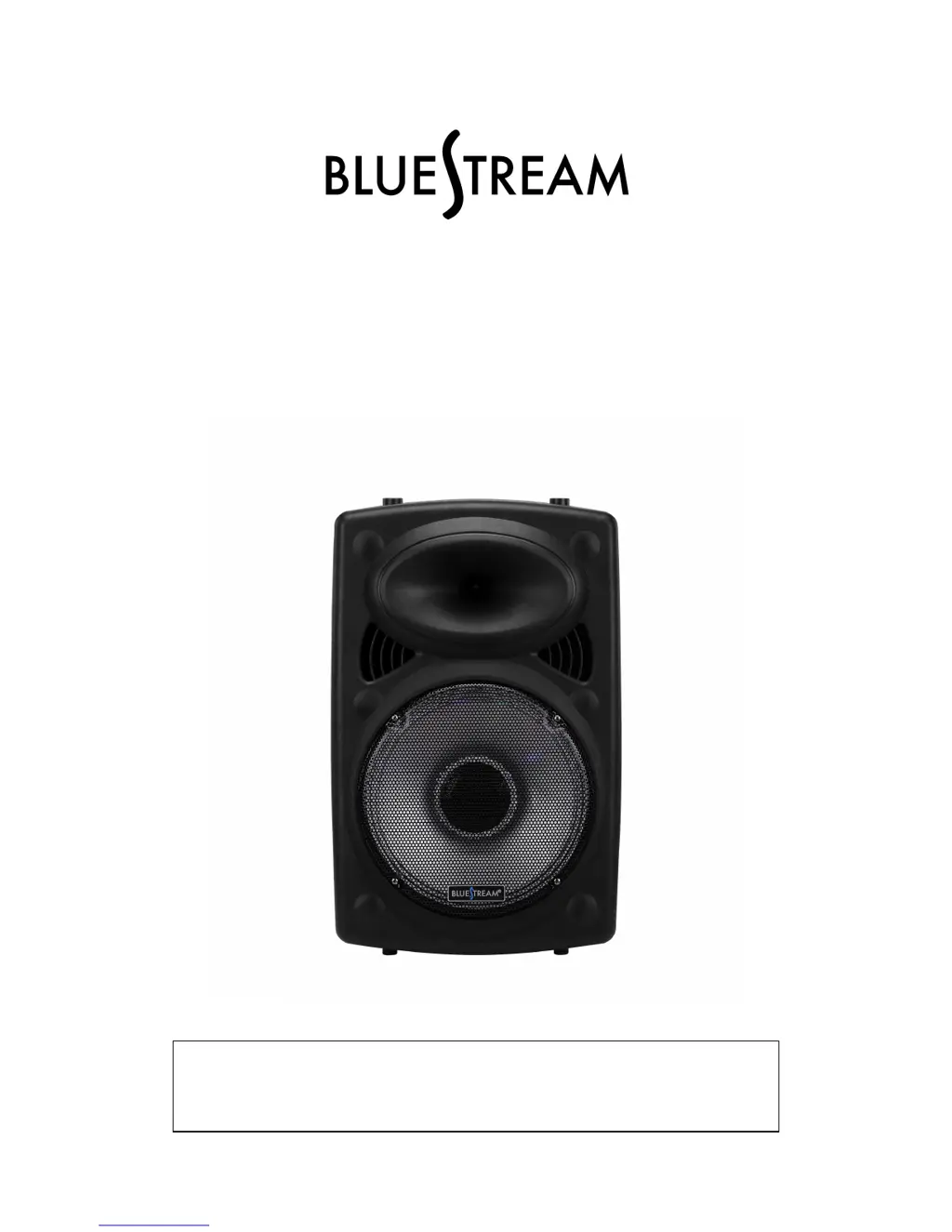
Bluestream DJSP1216LBT - User Manual

Bluestream DJSP1216LBT
8 pages
Print Icon
To Next Page IconTo Next Page
Loading...
ACTIVE LOUDSPEAKER
Model: DJSP1216LBT
PLEASE READ THIS USER MANUAL COMPLETELY BEFORE
OPERATING THIS UNIT AND RETAIN THIS BOOKLET FOR
FUTURE REFERENCE.

Questions and Answers

  • R
    Robert JacksonAug 2, 2025
    What to do if there is no sound from my Bluestream DJSP1216LBT Speakers?
    • Z
      zmendezAug 2, 2025
      If you're not getting any sound from your Bluestream Speakers, first, ensure that the player is in the correct mode by using the MODE button. If that doesn't work, check the volume level and increase it if it's set to the minimum.
  • E
    Elizabeth SmithAug 10, 2025
    Why is the sound from the microphone distorted on my Bluestream Speakers?
    • L
      linda50Aug 10, 2025
      If the sound from the microphone is distorted on your Bluestream Speakers, the Microphone Volume control is likely set too high. Adjust the Microphone Volume Control to a lower, more comfortable level.
  • B
    Brandon LynchAug 17, 2025
    How to reduce echo when using the microphone on Bluestream DJSP1216LBT Speakers?
    • R
      Richard CastilloAug 17, 2025
      If you hear an echo when using the microphone with your Bluestream Speakers, it's likely that the echo effect is set too high. Use the Echo Control Knob to adjust the echo effect to a lower level.
  • Z
    zbushAug 25, 2025
    How to fix noise or distorted sound on FM broadcast on Bluestream Speakers?
    • T
      tatecoreyAug 25, 2025
      If you are experiencing noise or distorted sound on FM broadcast with your Bluestream Speakers, it may be that the station is not tuned properly. Retune the FM broadcast station by adjusting the antenna.

Summary

Safety and Compliance

General Warnings

Important warnings regarding fire, shock, laser, and liquid exposure.

Cautionary Symbols

Explanation of cautionary symbols for user alert.

FCC Compliance

Regulatory information and user guidance for FCC compliance.

Important Safety Instructions

Comprehensive list of safety guidelines for operation.

Control Panel Overview

Playback and Input Controls

Mode, Record, Repeat, Skip, Play/Pause buttons and input ports.

Audio and Microphone Adjustments

Volume, Echo, Bass, Treble control knobs.

Power and Indicator Features

Power switch, charging indicator, and LED light switch.

External Connections

Power adapter input, microphone input, and FM antenna.

Operating the Speaker

Powering the Unit

Instructions for AC and battery power operation.

Volume Adjustment

How to increase or decrease the speaker volume.

Selecting Audio Source

Switching between Bluetooth, Line-In, USB, microSD, and FM.

Voice Commands

How to use and change voice command language.

Bluetooth Device Pairing

Step-by-step guide to pair Bluetooth devices.

Audio Playback Methods

Using AUX Input

How to connect and play audio via AUX.

Playing from USB Drive

How to play music files from a USB flash drive.

Playing from microSD Card

How to play music files from a microSD card.

Repeat Playback Modes

How to use repeat functions for USB/microSD playback.

Listening to FM Radio

How to tune, scan, and play FM radio stations.

Microphone and Recording Features

Microphone Usage

How to connect and adjust microphone volume and echo.

Microphone Recording

How to record audio from a microphone to USB/microSD.

LED Speaker Lights

How to turn the built-in LED lights ON/OFF.

Troubleshooting Guide

FM Broadcast Issues

Solutions for noise or distortion on FM radio.

No Sound Issues

Solutions for when no audio is heard.

Microphone Audio Problems

Solutions for microphone echo or distorted sound.

Warranty and Support

Limited 90-Day Warranty

Details of the warranty coverage and period.

Warranty Service & Support

How to obtain warranty service or technical assistance.

Warranty Exclusions

Conditions and damages not covered by the warranty.

Bluestream DJSP1216LBT Specifications

General IconGeneral
BluetoothYes
BrandBluestream
ModelDJSP1216LBT
CategorySpeakers
InputsBluetooth
Input Voltage100-240V AC, 50/60Hz