29 | P a g e
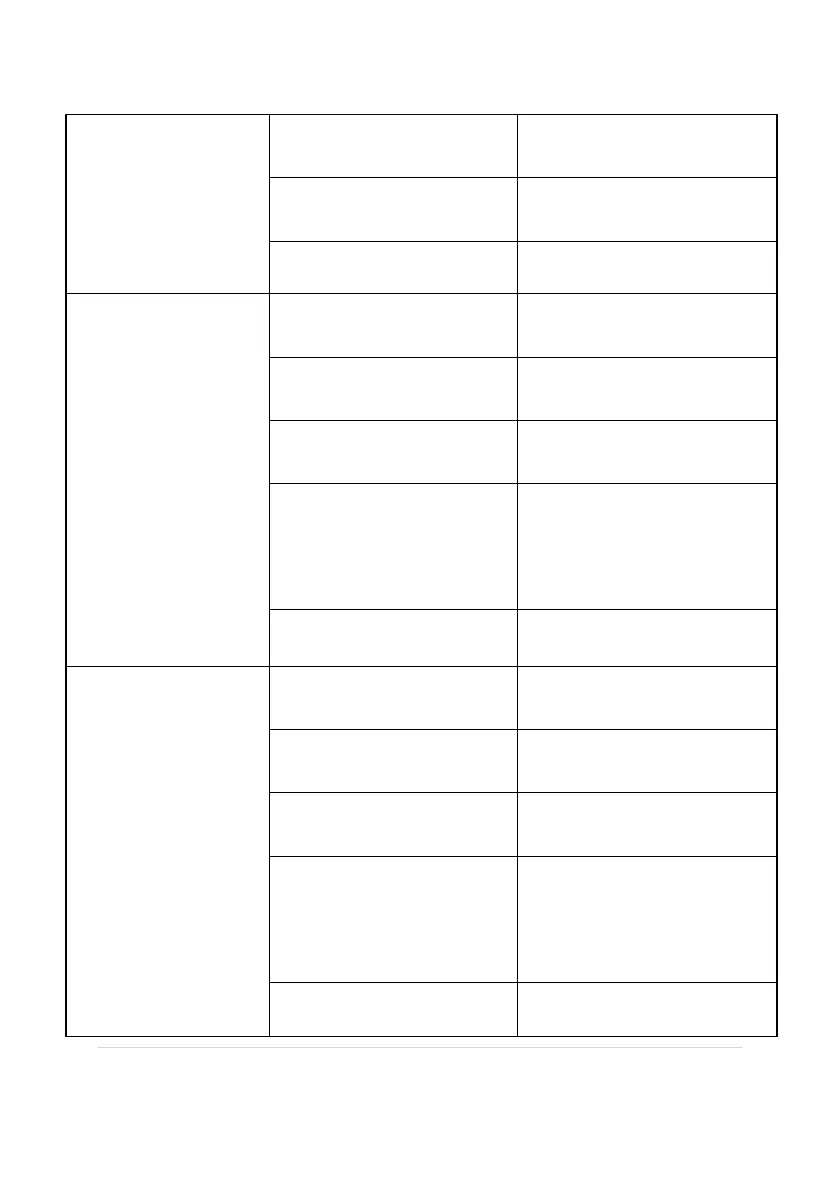
"Check Salt" light
is flashing
Match the right cell type
with the program
Actual Salinity is between
2300-2500PPM
Add salt,ideal salt level
3500-3600ppm
"High Salt" light
blinking
Match the right cell type
with the program
Actual Salinity is between
4500-6400PPM
Add water,ideal salt level
3500-3600ppm
Temperature sensor is
broken
If not, replace flow switch
with a temperature sensor
The cell plates are
short-circuit because
they are not fixed in the
housing
"High Salt" and
"Inspect cell" light
is on
Match the right cell type
with the program
Actual Salinity is more
than 6500PPM
Add water,ideal salt level
3500-3600ppm
Temperature sensor is
broken
If not,replace flow switch
with a temperature sensor
The cell plates are
short-circuit because
they are not fixed in the
housing


 To Next Page