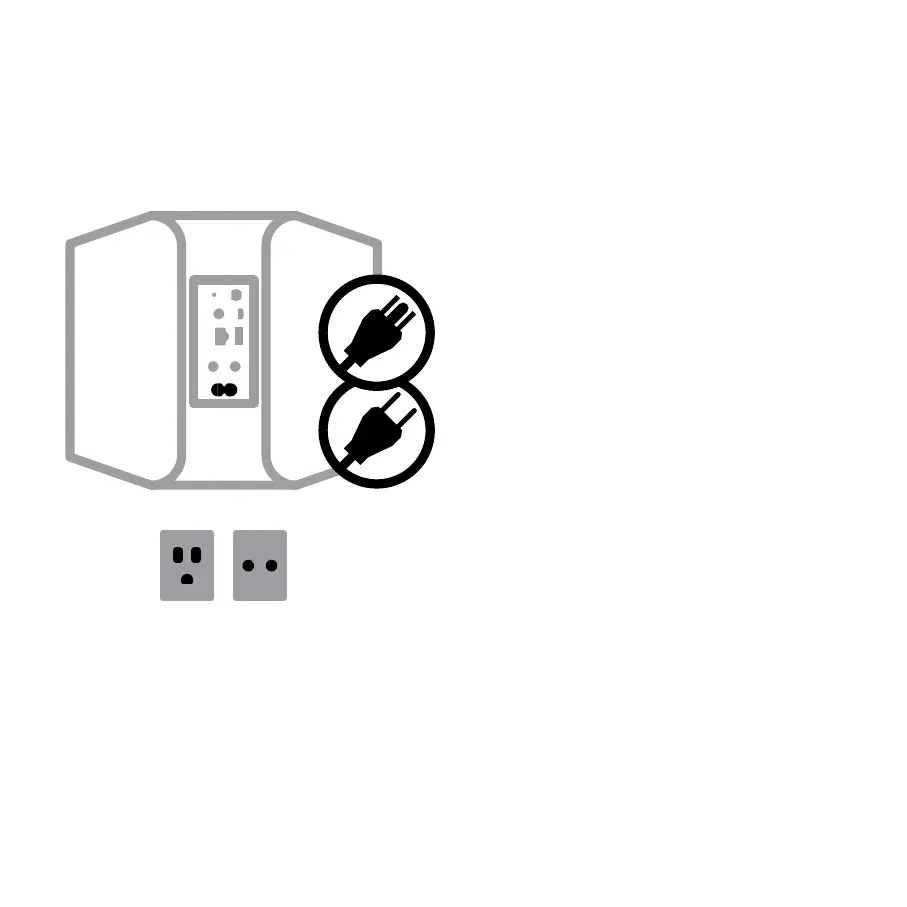
2
A Select the AC Power Cord appropriate for your
region and plug it into the player, and then into
your wall outlet.
B The Node’s LED button should turn Solid
Green, indicating that the player is in Hotspot
Mode and ready to be added to your home wifi
network.
Never force a power cord into a wall outlet. An
adaptor may be necessary in certain regions.
CONNECT TO POWER
C 25
M 10
Y 0
K 100
C 0
M 0
Y 0
K 45
_5


 To Next Page