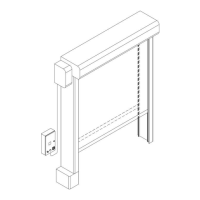
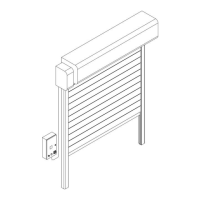
Installation and user manual – Dynamicroll® Frigo 2
+12 V DC (+) (COM) 1° automatic fuse in case of extra
consumption or short circuit
LAMP_RGB serial communication
Contact close at door close, adjustable by programmer.
Interlock connection
Open - every input restart count automatic close
Light barrier auto off 500mm
UPS activation (10-13 - J6 UPS card)
START command (open) (Running Options 000308 close)
Photocell - Auto off if cross during close (memorize the cross
point)
Encoder (when ok led partially on)
Encoder (when ok led partially on)
Extra run - close contact during standard run if off (open) stop
extra run
Free input assignable from keypad programmer
+12V DC Accessories supply
-0V DC Accessories supply
Close Contact at opened door
CONNECT THE NC NOT USED INPUTS TO THE COMMON INPUT (COM)
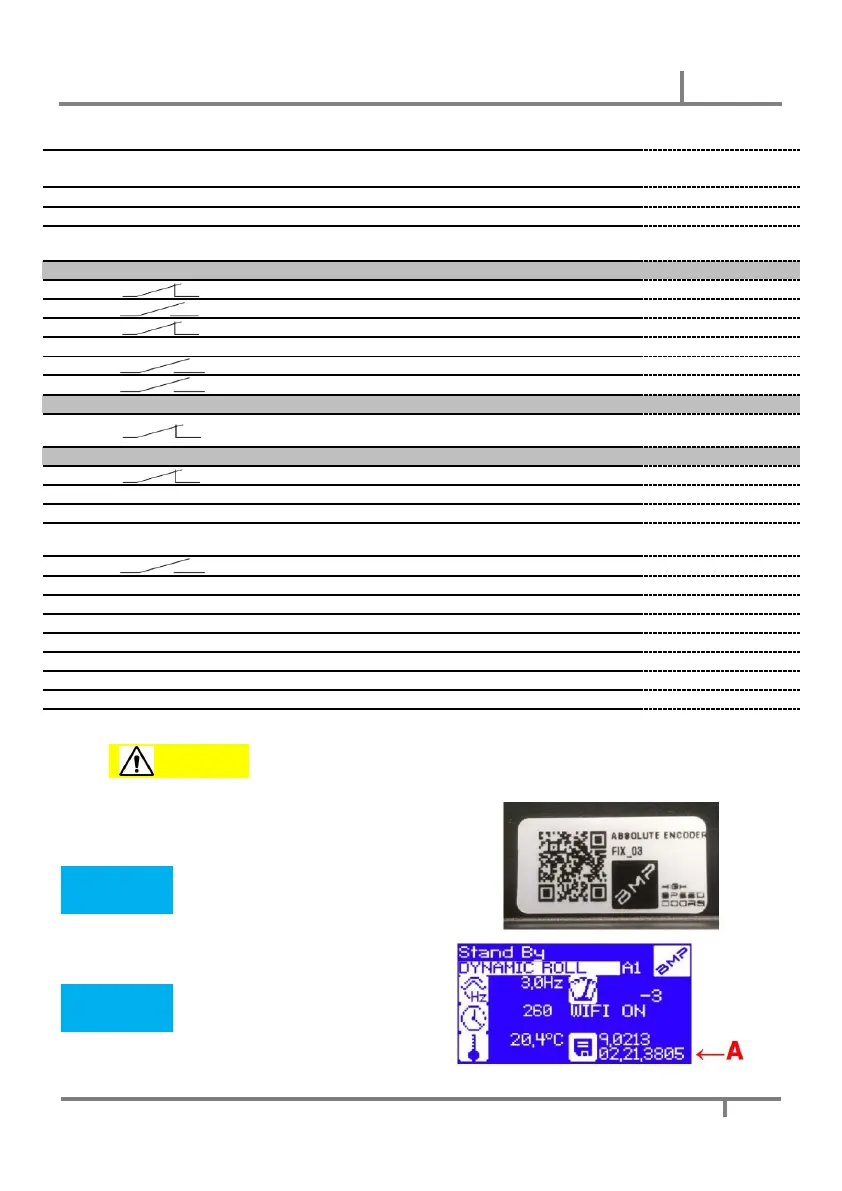
Check the encoder software version:
By framing the QR code on the FIX_03 encoder, the
software version residing in the encoder will be displayed.
Verify it is 1_7 or later
A = Check the inverter software version:
Verify (read in the highlighted part
below) that it is 02.21.3805 or later


 To Next Page
 Loading...