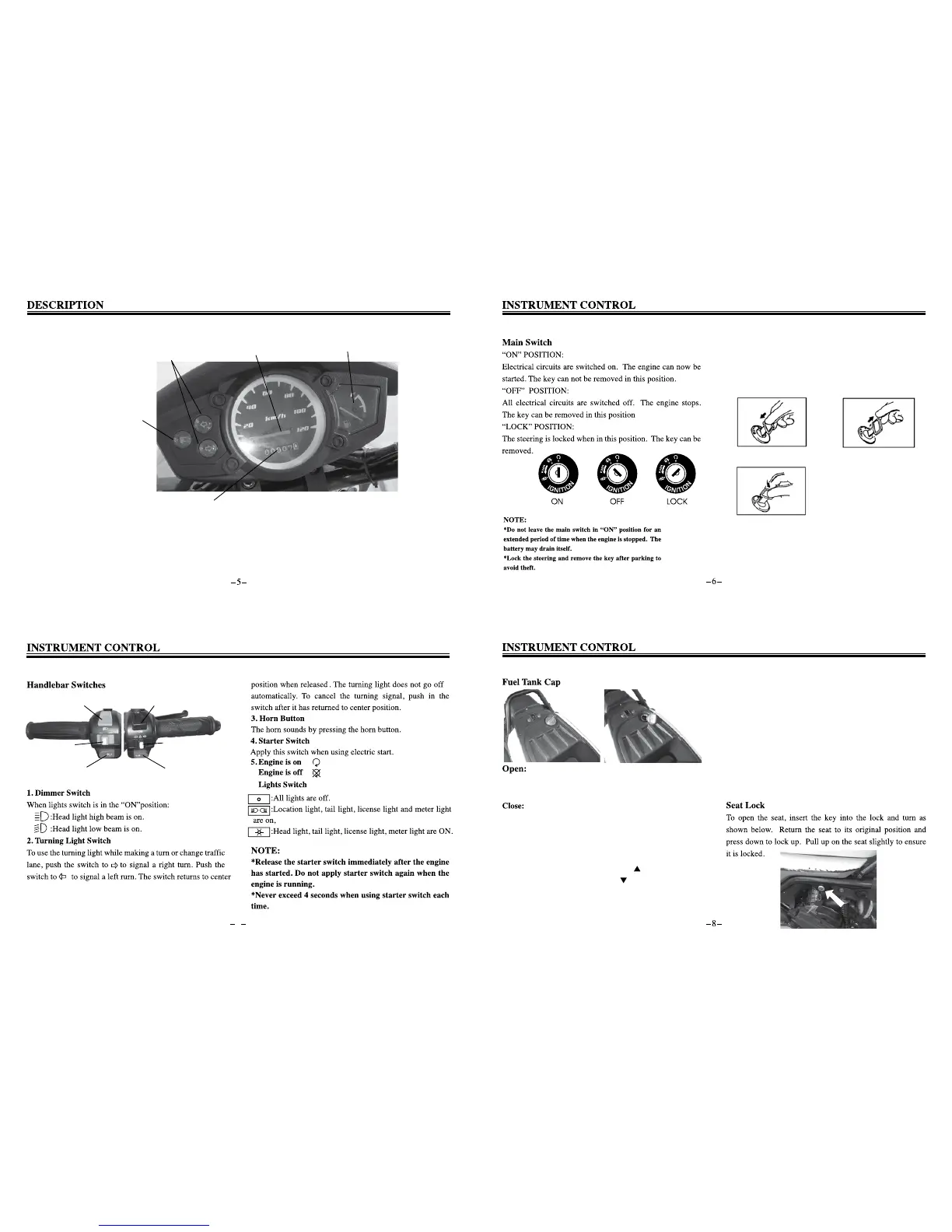
1. Speedometer
2. Odometer
3. Turn signal indicator
4. High beam indicator
5. Fuel gauge
2
4
3
1
5
Steering Lock
Turn the handlebar fully to the left and lock the steering as
show below to prevent theft:
Push the key in when it’s in OFF position Release the key
Turn to LOCK position
7
6.
1
2
3
4
6
5
Fuel tank is located underneath the seat cushion. To open,
turn the cap counterclockwise unil it unlocks.
Lock the fuel tank by pressing down on the cap and turning
it clockwise.
2. The “
.
” mark on the fuel tank cap indicates that
when the key turns clock wise about 1/4 round, it will
be returned to this position by spring force.
3. The key can only be removed in the “lock” position.
NOTE:
*The fuel tank cap is not closed if it has not been locked
by the key.
*The key can not be removed if the fuel tank cap is not
locked properly.
Description:
1.When closing the fuel tank cap, the “ ” mark on the cap
should be in alignment withe the “ ” mark on the filling
hole.


 To Next Page