EasyManua.ls Logo

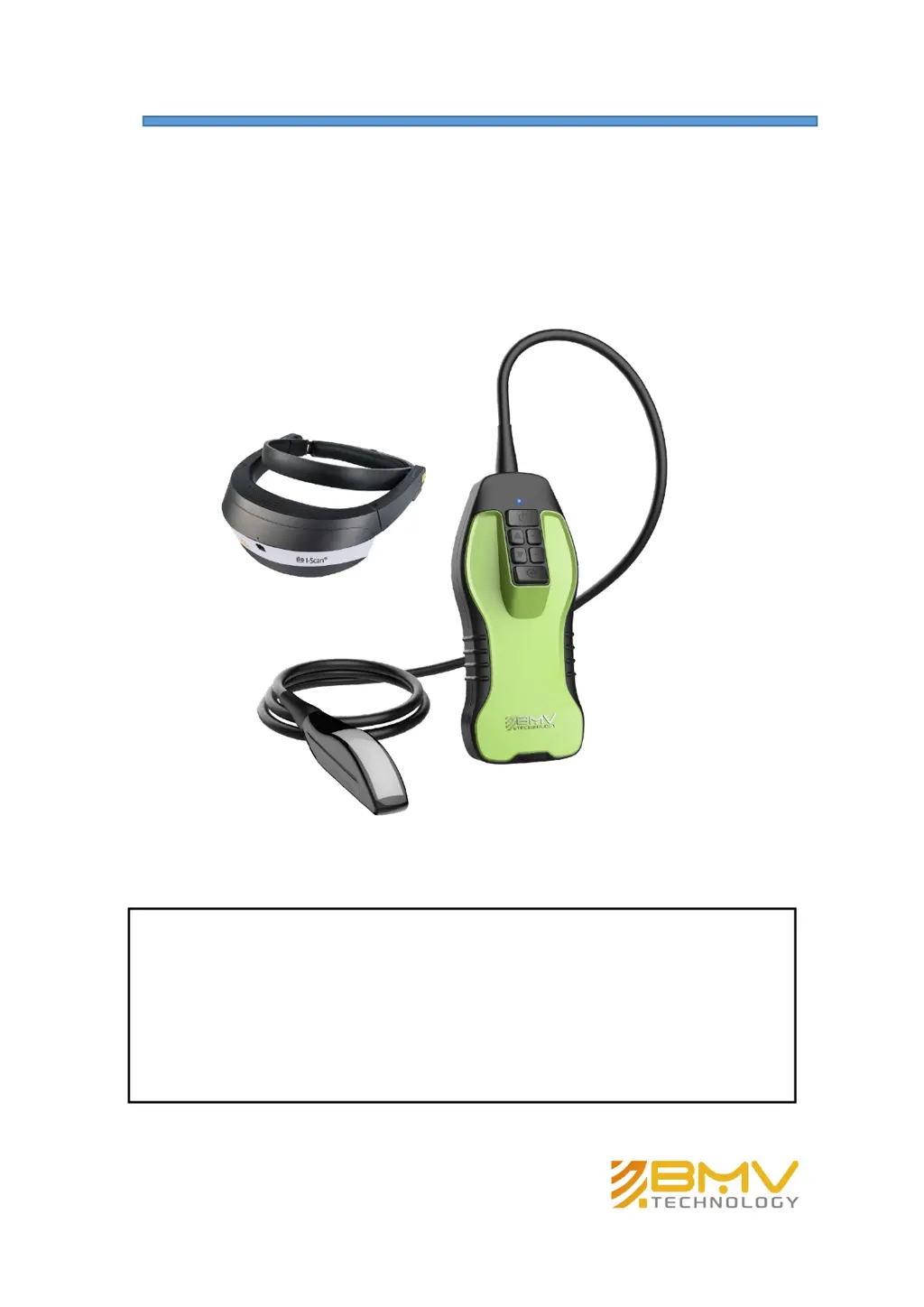
BMV BestScan S10 - User Manual

BMV BestScan S10
46 pages
Print Icon
To Next Page IconTo Next Page
Loading...
IMPORTANT!
Read and understand this manual before operating
the equipment. After reading, keep this manual in
an easily accessible place.
P12529‐17 10/2019
Copyright 2019 by BMV Technology Co., Ltd
All rights reserved.
BestScan® S10
Ultrasound System

Questions and Answers

  • M
    Melissa PageAug 11, 2025
    What to do if the BMV BestScan S10 system does not turn on?
    • A
      Amy ToddAug 12, 2025
      If the BMV Diagnostic Equipment system doesn't turn on, first check all power connections. If that doesn't work, remove the DC input connector, wait 10 seconds, and then reinstall it. Finally, ensure that the battery is charged.
  • D
    Dr. Wendy Bradshaw MDAug 20, 2025
    How to improve image quality on BMV Diagnostic Equipment?
    • T
      tespinozaAug 20, 2025
      To improve the image quality on your BMV Diagnostic Equipment, try these adjustments: * Adjust the screen to improve the viewing angle. * Adjust the brightness. * Adjust the gain.
  • R
    Rhonda BakerSep 1, 2025
    How to clean a transducer for BMV BestScan S10?
    • J
      jason14Sep 1, 2025
      Transducers for BMV Diagnostic Equipment must be cleaned after every use. Use a soft cloth lightly dampened in a mild soap or a compatible cleaning solution to remove any disinfectant that remains on the metal surfaces.

BMV BestScan S10 Specifications

General IconGeneral
WeightApprox. 4.5kg
Display Resolution1024 x 768 pixels
Gray Scale256
Image StorageUSB, DICOM
Power SupplyAC100V~240V, 50/60Hz
Scanning MethodElectronic convex array, linear array
Scanning SpeedAdjustable
Data OutputUSB, DICOM
Operating Temperature0℃~+40℃