▷ Select the symbol.
Use contact data
Contact data from appointments, tasks, SMS,
E‑mails and notes can be stored or selected*,
see page 213.
Read out appointment
Read out appointment, see page 213.
Tasks
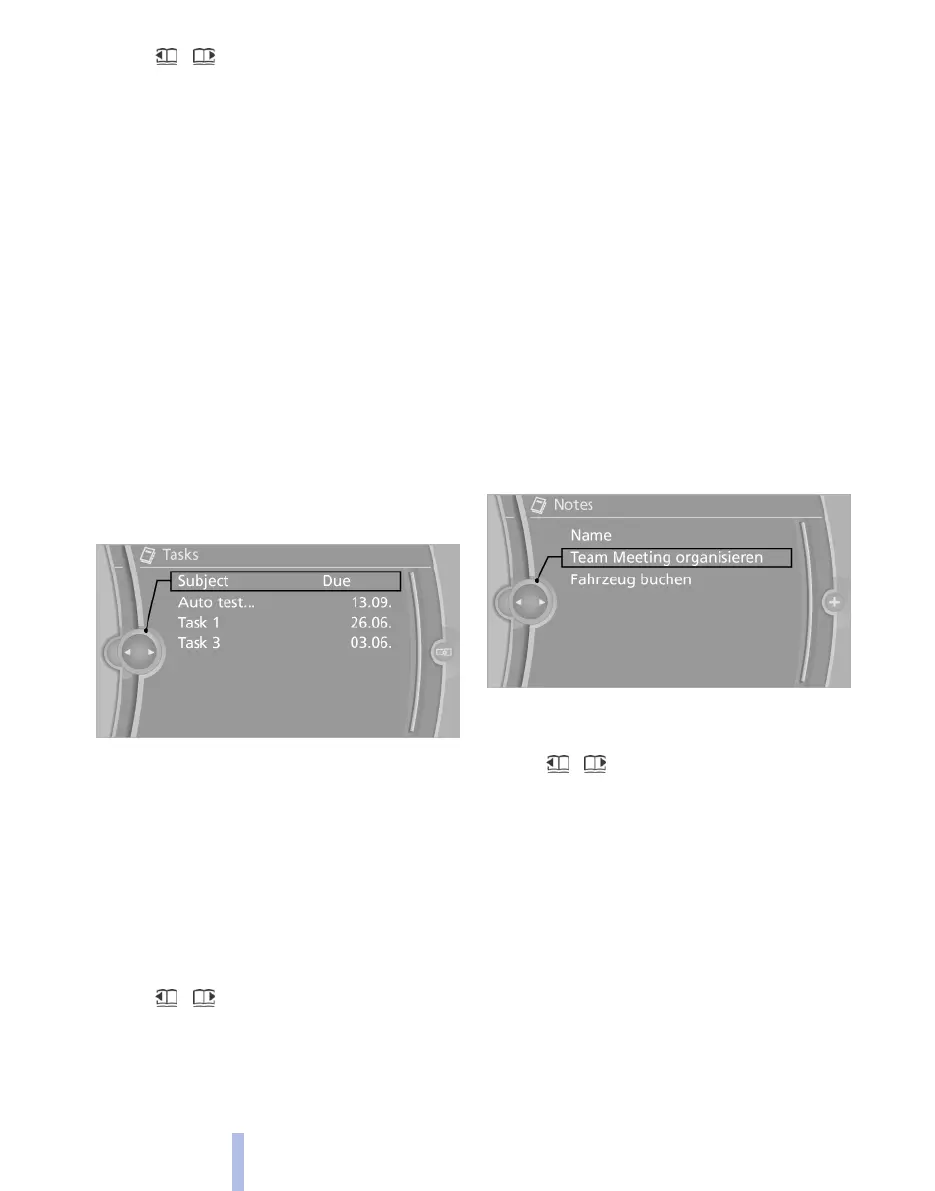
Display task list
Show unfinished tasks due in the next 90 days.
1.
"Office"
2. "Tasks"
Sort task list
1.
Select headers in the task list.
2. Select sort criterion:
▷ "Priority (!)"*
▷ "Subject"
▷ "Due date"
Display task
1.
Select the desired task.
2. Browse any tasks:
▷ Turn the controller.
▷ Select the symbol.
Use contact data
Contact data from appointments, tasks, SMS,
E‑mails and notes can be stored or selected*,
see page 213.
Read out task
Read out task, see page 213
Notes
Display notes
1.
"Office"
2. "Notes"
All notes are displayed.
Display note
1.
Select the desired note.
2. Browse any note:
▷ Turn the controller.
▷ Select the symbol.
Use contact data
Contact data from appointments, tasks, SMS,
E‑mails and notes can be stored or selected*,
see page 213.
Read out note
Read out note, see page 213
Seite 212
212
Online Edition for Part no. 01 40 2 607 643 - 07 11 490
Office



 To Next Page