Adjusting
54
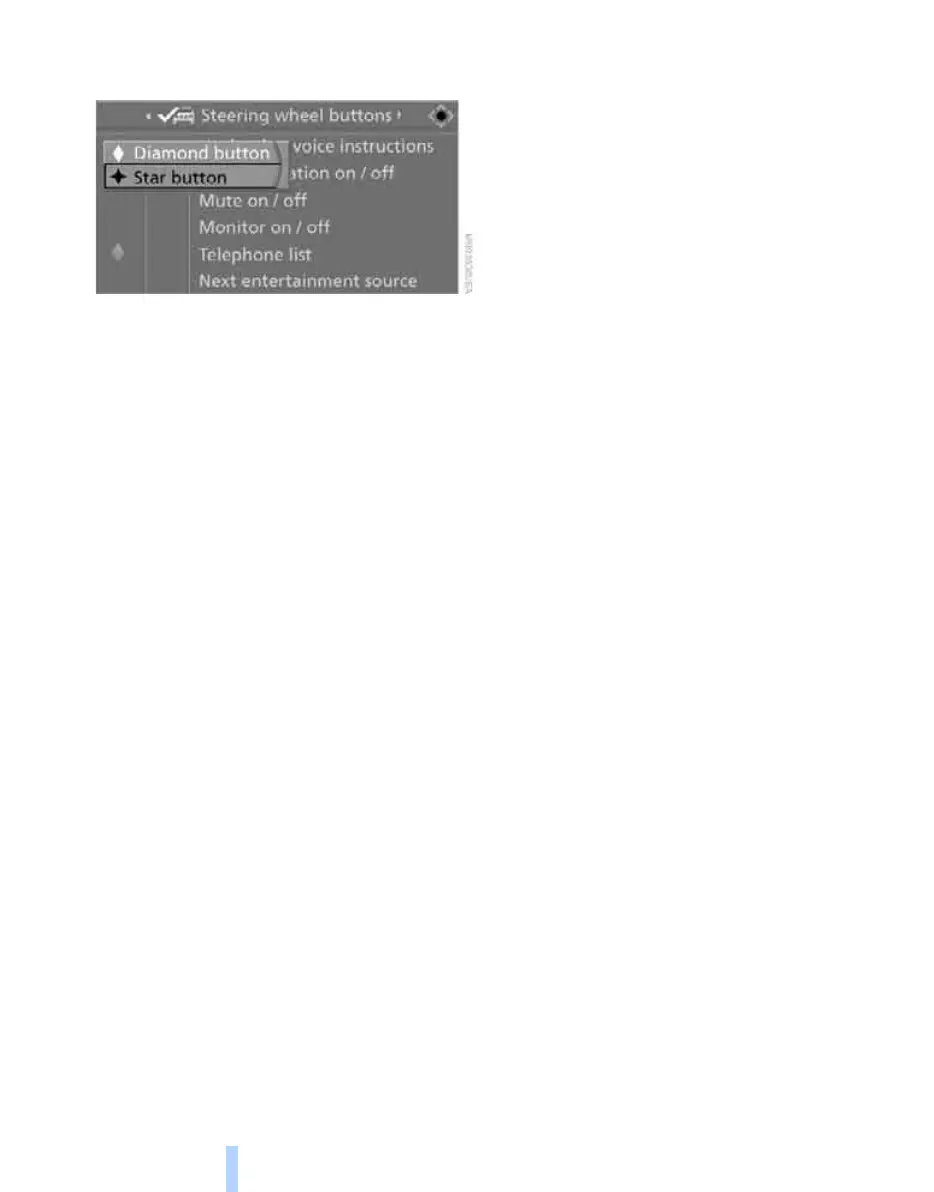
6. Select the button if necessary and press the
controller.
You can operate the selected function using the
corresponding button.
Operating function
Press the corresponding button on the steering
wheel.
If you have programmed "Navigation voice
instructions" for one of the buttons:
> To switch voice instructions on/off:
Hold the button down.
> To repeat the last voice instruction:
Press the button.
Online Edition for Part no. 01 41 0 014 248 - © 08/07 BMW AG



 To Next Page