Reference OverviewControlsDriving hintsMobility
69
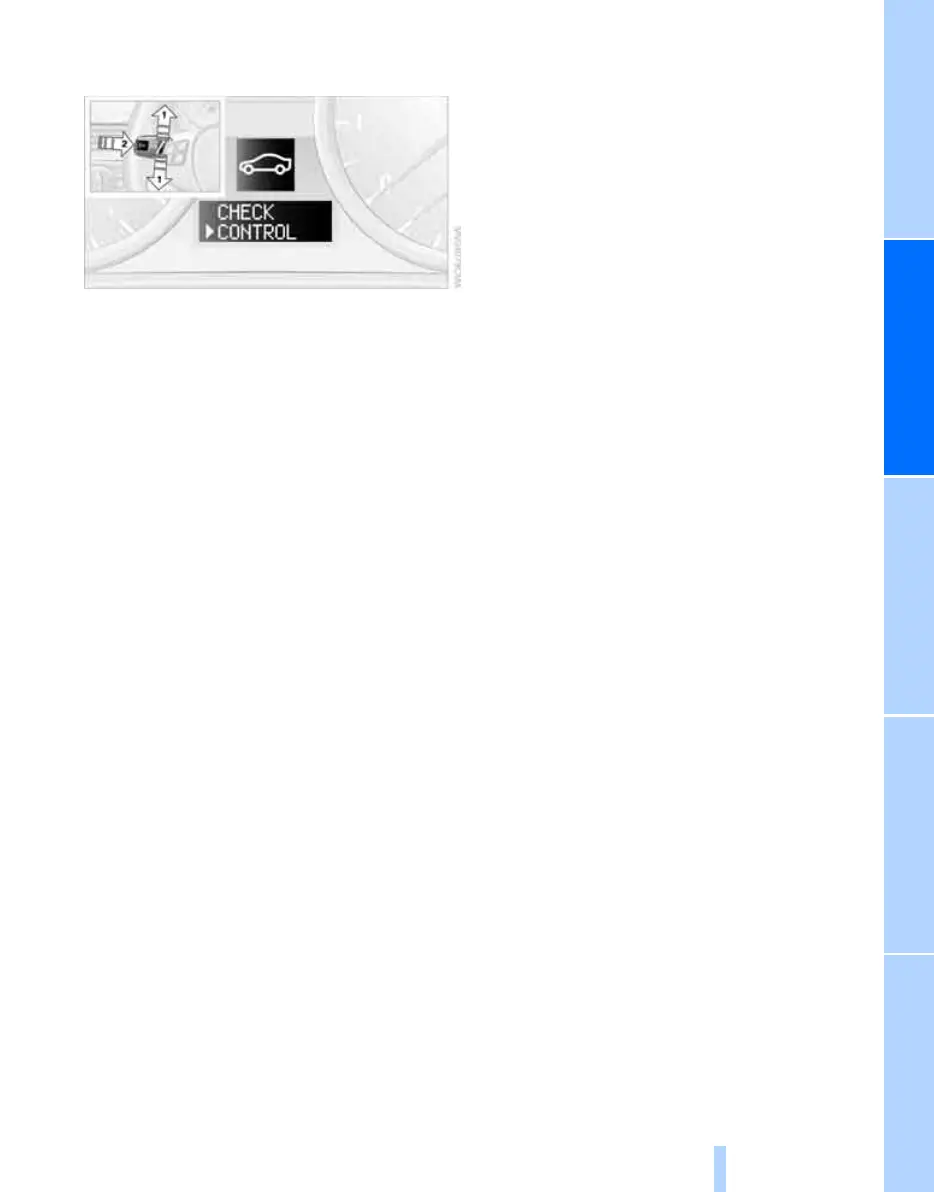
Viewing Check Control messages
stored in memory
1. Push button 1 in the turn indicator lever up
or down repeatedly until the appropriate
symbol appears in the display, accompa-
nied by the words "CHECK CONTROL".
2. Press button 2.
"CHECK OK" appears if there are no Check
Control messages.
If a Check Control message has been
stored, the corresponding light is shown.
3. Push button 1 to check for other messages.
4. Press button 2.
The display again shows the outside tem-
perature and the time.
Online Edition for Part no. 01 41 0 013 257 - © 02/07 BMW AG



 To Next Page