Reference OverviewControlsDriving hintsMobility
53
> Temperature: 6, 7
> Time: 12h/24h mode
> Date: day/month dd/mm,
month/day mm/dd
> Resetting formats and units of measure to
the factory settings
Adjusting formats and units of measure
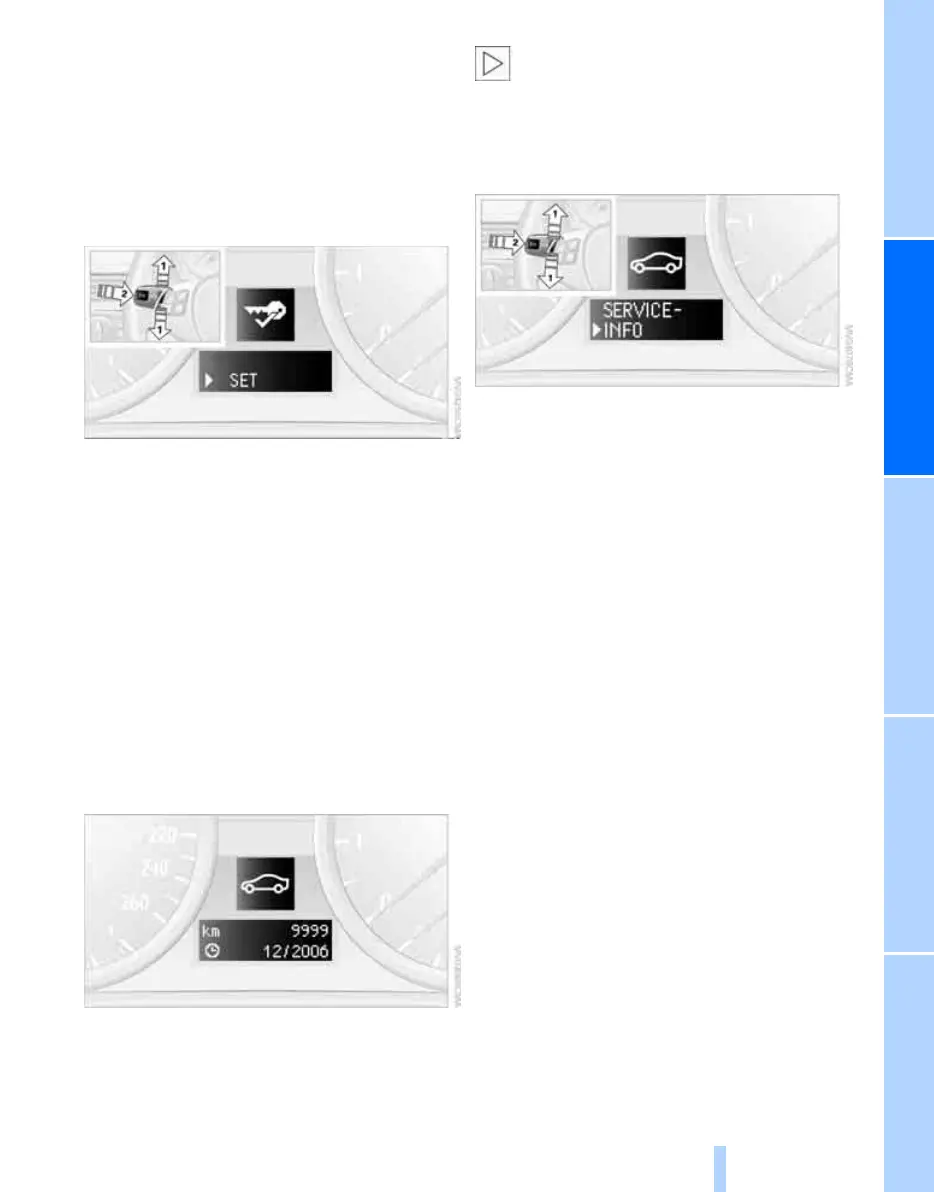
1. Lightly push button 1 in the turn indicator
stalk repeatedly up or down until the appro-
priate symbol appears in the display,
accompanied by the words "SET".
2. Press button 2.
3. Use button 1 to select the format or unit of
measure of your choice.
4. Press button 2.
5. Use button 1 to make the change.
6. Press button 2.
The change is memorised.
Next Service indicator
The remaining driving distance and the date of
the next scheduled service are displayed briefly
immediately after you start the engine or switch
on the ignition.
The extent of service work required can
be read out from the remote control by
your BMW Service Advisor.<
For certain maintenance operations, you can
view the respective distance remaining or due
date individually in the instrument cluster.
1. Lightly push button 1 in the turn indicator
stalk repeatedly up or down until the appro-
priate symbol appears in the display,
accompanied by the words "SERVICE-
INFO".
2. Press button 2.
3. Use button 1 to step through the individual
service items.
Online Edition for Part-No. 01 41 0 159 204 - © 03/05 BMW AG



 To Next Page