100n
Telephone operation via MID
*
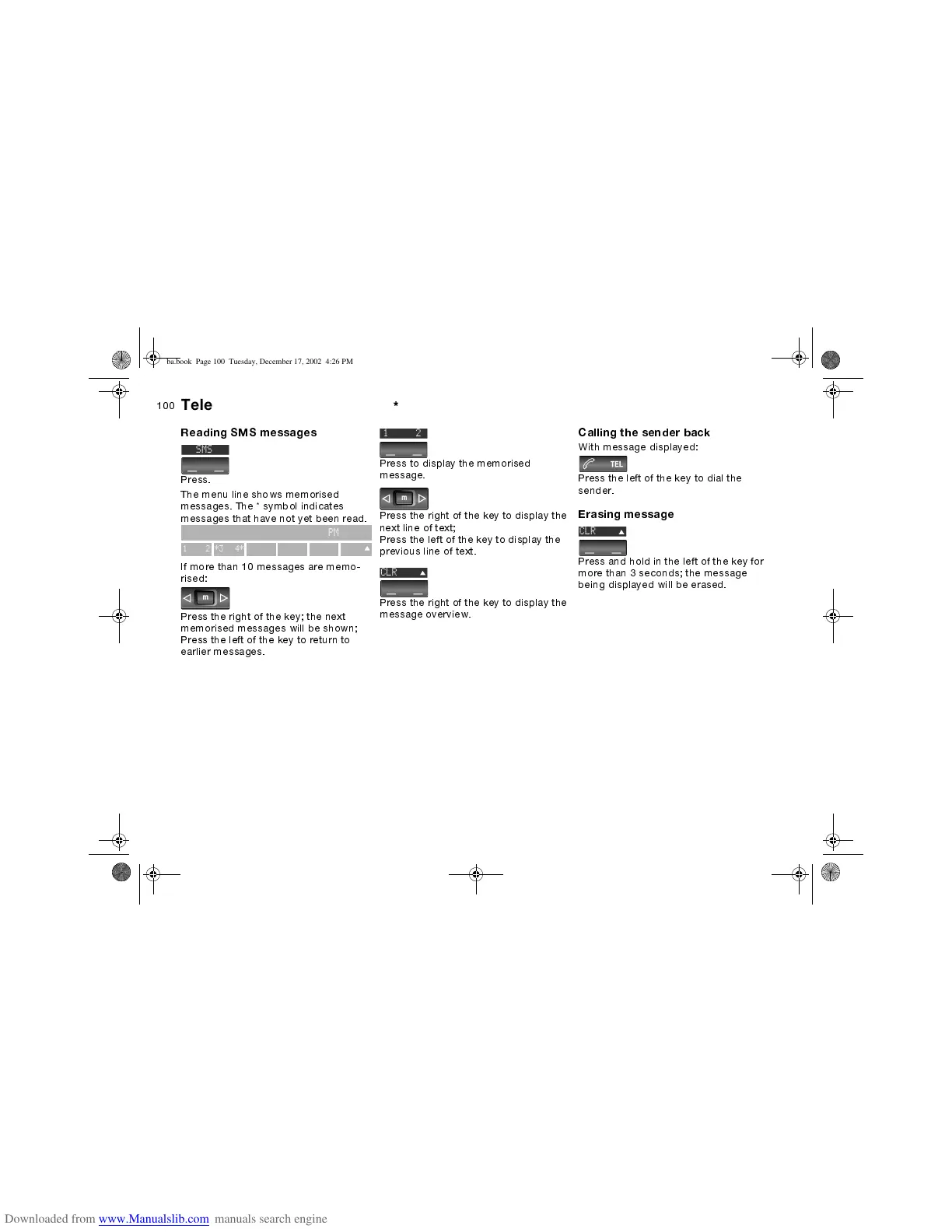
Reading SMS messages
Press.
The menu line shows memorised
messages. The * symbol indicates
messages that have not yet been read.
If more than 10 messages are memo-
rised:
Press the right of the key; the next
memorised messages will be shown;
Press the left of the key to return to
earlier messages.
3:42PM
12*3 4*
C
SMS
Press to display the memorised
message.
Press the right of the key to display the
next line of text;
Press the left of the key to display the
previous line of text.
Press the right of the key to display the
message overview.
C
1 2
CLR
Calling the sender back
With message displayed:
Press the left of the key to dial the
sender.
Erasing message
Press and hold in the left of the key for
more than 3 seconds; the message
being displayed will be erased.



 To Next Page