Controls
99
Reference OverviewDriving hintsCommunication NavigationEntertainmentMobility
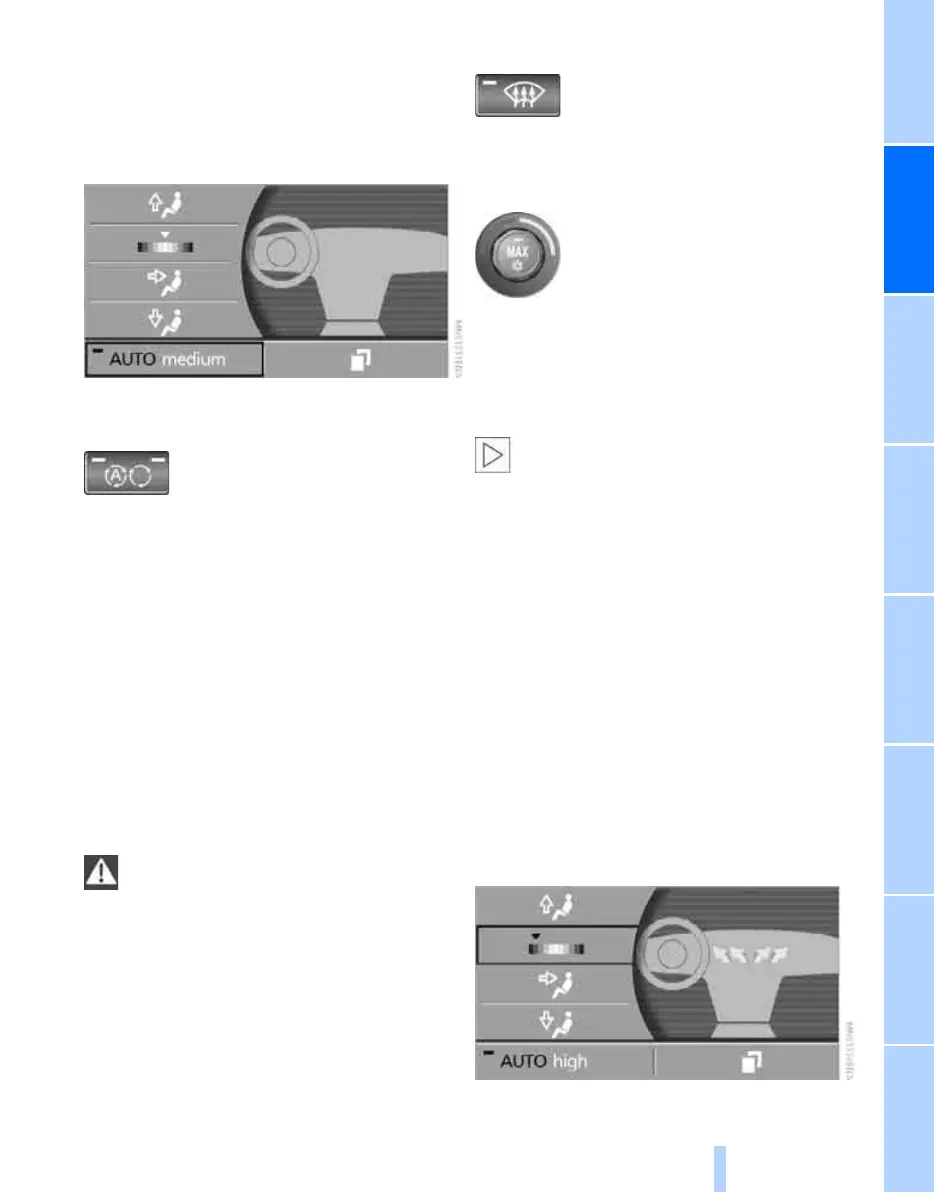
4. Press the controller as often as necessary,
until the desired program is displayed:
> "low"
> "medium"
> "high"
Automatic Air Recirculation Control
AUC/recirculated-air mode
If the air outside the car has an
unpleasant odour or contains pol-
lutants, the supply to the interior of
the car can be shut off. The air inside the car is
then recirculated. In the AUC mode, a sensor
detects pollutants in the outside air and shuts it
off automatically.
Three operating modes can be obtained in suc-
cession by pressing this button repeatedly:
> LEDs off: ambient air is constantly entering
the car.
> Left-hand LED on, AUC mode: the system
will identify pollutants in the ambient air and
shut off the ambient air supply if necessary.
> Right-hand LED on, recirculated-air mode:
the ambient air supply is permanently shut
off.
If the windows fog over in recirculated-air
mode, press the AUTO button or switch
recirculated-air mode off and, if necessary,
increase the air volume.
Recirculated-air mode should not be used con-
tinuously for lengthy periods, as the quality of
the air inside the car will otherwise gradually
deteriorate.<
Defrosting windows and removing mist
Removes ice and condensation
quickly from the windscreen and
from the front side windows.
You should also switch the cooling function on.
Temperature control
Set the required temperature indi-
vidually on the driver's side and
passenger's side. Your settings
appear in the status line of the con-
trol display.
The automatic air conditioning establishes this
temperature as quickly as possible regardless
of the season by using maximum cooling or
heating power if necessary. The temperature is
then maintained.
The automatic air conditioning does not
have sufficient time to establish the set
temperature when temperature settings are
changed in rapid succession.<
Selecting the highest setting will activate maxi-
mum heat output, regardless of the outside
temperature. Only cool air will be output at the
lowest setting.
Via iDrive
1. Call up start menu.
2. Call up "Climate".
3. Select the field by turning and pressing the
controller.
4. Turn the controller to adjust the tempera-
ture:
> Turning to the left, blue: cooler
> Turning to the right, red: warmer
5. Press the controller to apply the setting.
Online Edition for Part no. 01 41 0 013 197 - © 02/07 BMW AG



 To Next Page