NavigationEntertainment Driving hints
179
Reference OverviewControlsCommunicationMobility
MD player
Listening to MDs
Switch on sound output for entertainment sys-
tems, see page 159.
Insert a MiniDisc. The CD starts to play auto-
matically if sound output is switched on.
To start playback if there is already a MiniDisc in
the MD drive:
iDrive, principle, see page 14.
1. Press the button to call up the start
menu.
2. Move the controller towards "Entertain-
ment".
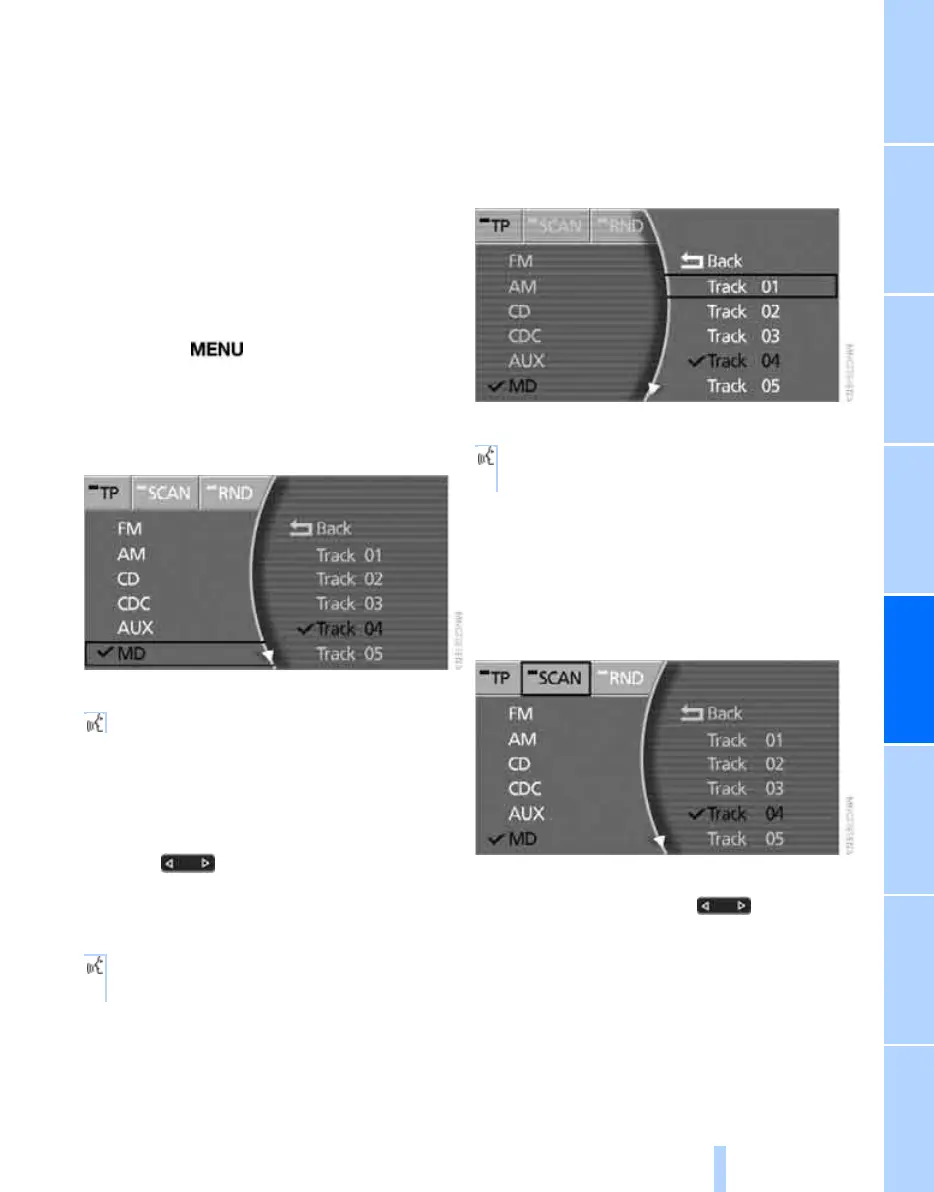
3. Select "MD" and press the controller.
Via the voice input system:
Selecting a track
Via buttons in the centre console
Press the button for the appropriate
direction as often as necessary until the desired
track on the current MD is reached.
Via the voice input system:
Via iDrive
Select the track by turning and pressing the
controller.
Via the voice input system:
Sampling tracks, Scan
All tracks on the current MD are automatically
sampled once in succession.
Select "SCAN" and press the controller.
To stop Scan:
Press the controller or press button.
Scan is interrupted and the selected track is
retained.
*
{MiniDisc on}.
1. {MiniDisc}.
2. {Next} or {Back}.
1. {MiniDisc}.
2. {MiniDisc Track 1...30}.
Online Edition for Part no. 01 41 0 013 197 - © 02/07 BMW AG



 To Next Page