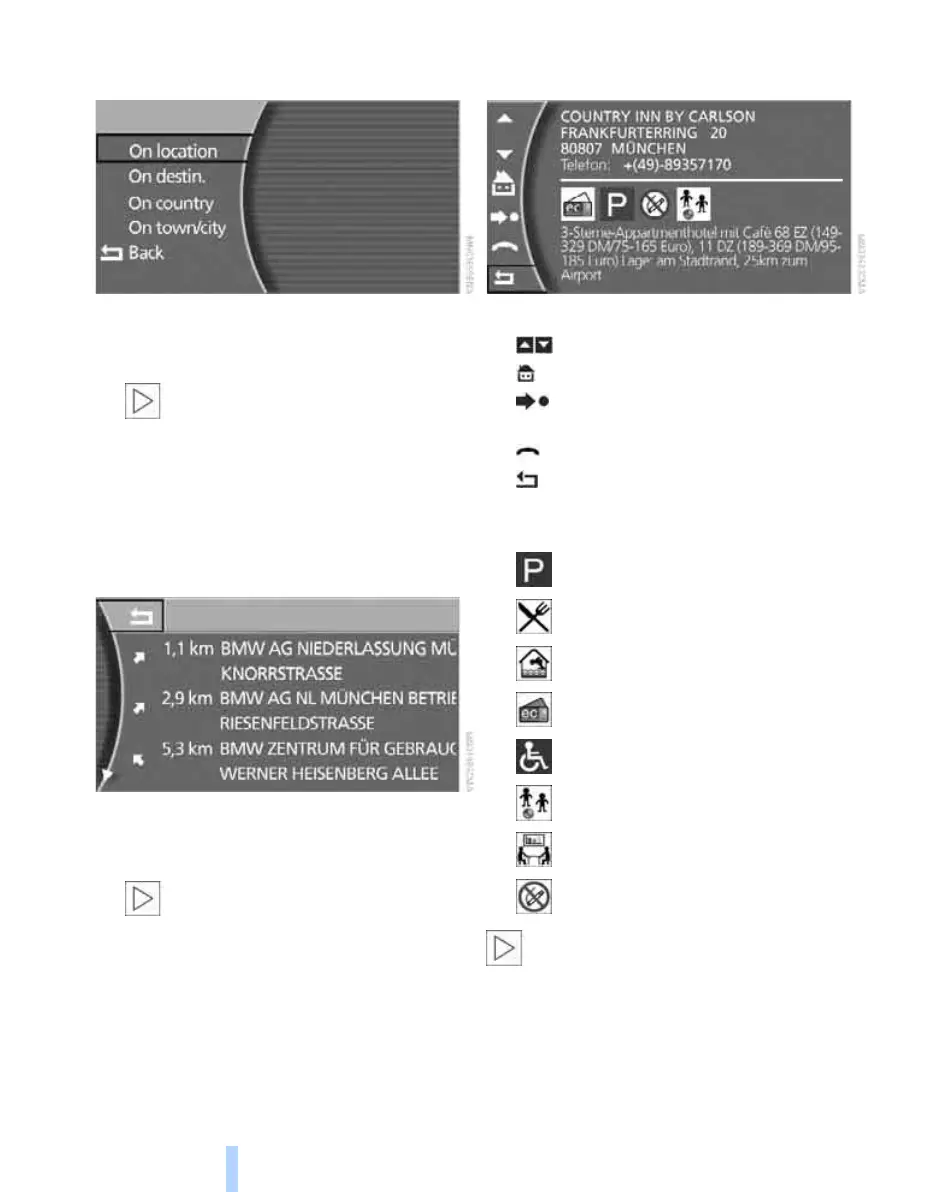
Destination input
138
5. Select "On location " and press the control-
ler.
6. Select individual categories of information,
e.g. "Public buildings, Businesses and
shops" and press the controller.
If you select information "On destin.",
"On country" and "On town/city",
enter the destination, country and town/city
as appropriate. If destinations have already
been entered, this information is displayed
for the destination at the top of the destina-
tions list.<
7. Make other selections, e.g. industrial cen-
tres.
On the control display the destinations are
displayed by distance and with arrows indi-
cating the direction of each destination.
When selecting information "On des-
tin.", "On country" and "On town/city"
the destinations are sorted alphabetically
and displayed.<
8. Select a destination and press the control-
ler.
Symbols used:
> Scroll upwards or downwards
> Back to "Information"
> Transfer the destination directly to the
destinations list
> Dial a phone number
> Go to previous page
> Information on hotels can be displayed
either as text or using symbols, e.g.:
The actual range of symbols available
depends on the navigation DVD in use.<
Parking
Restaurant facilities
Swimming-pool
Credit cards accepted
Disabled facilities
Children's facilities
Conference facilities
No-smoking areas or rooms
Online Edition for Part no. 01 41 0 013 197 - © 02/07 BMW AG



 To Next Page