NavigationEntertainment Driving hints
163
Reference OverviewControlsCommunicationMobility
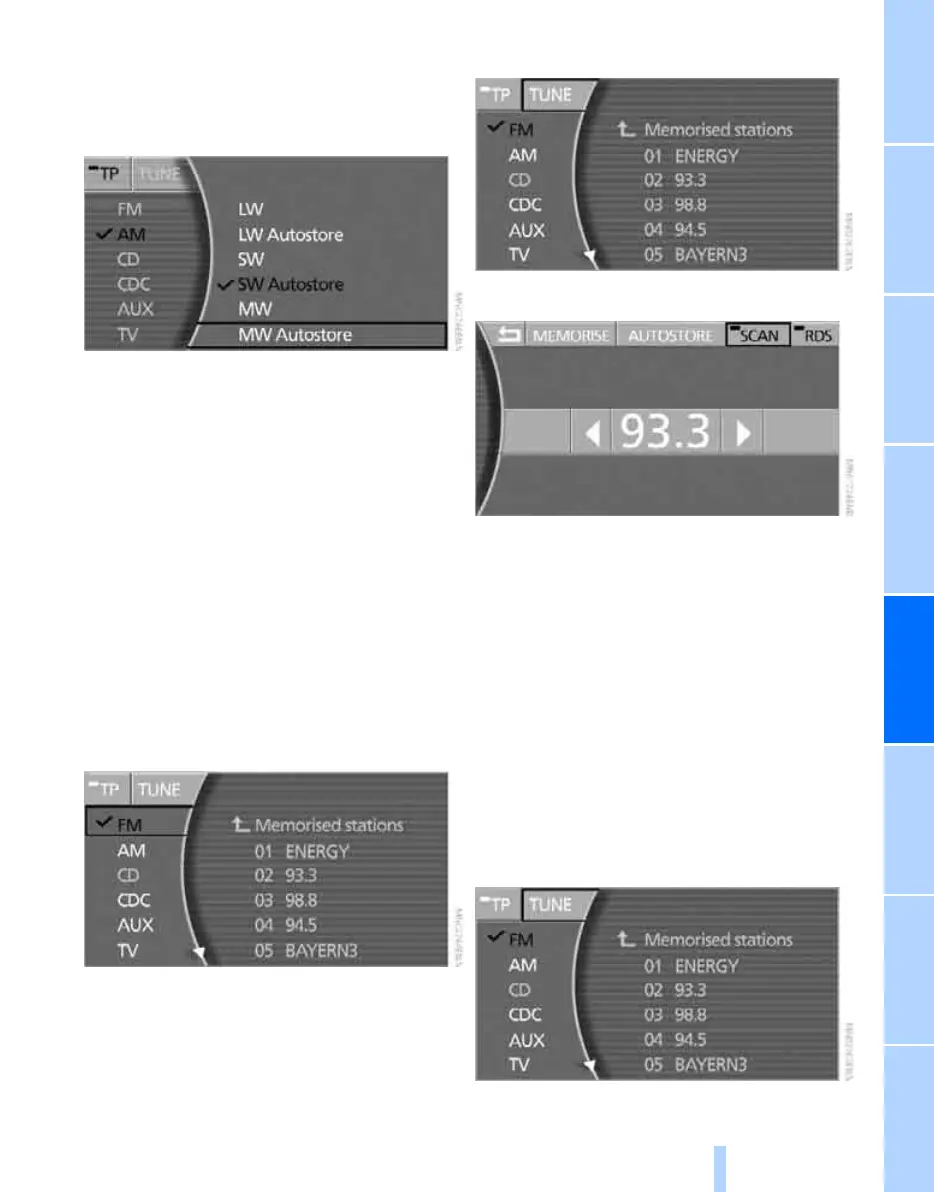
AM waveband:
1. Select "AM" and press the controller.
2. Select the frequency range by turning and
pressing the controller.
You can select between the following fre-
quency ranges and their respective auto-
store levels:
> "LW" and "LW Autostore"
> "SW" and "SW Autostore"
> "MW" and "MW Autostore"
3. Turn the controller to select a station and
press the controller.
Sampling stations, Scan
The stations on the current waveband are auto-
matically sampled in succession.
1. Select "FM" or "AM" and press the control-
ler.
If you select "AM" you will also need to
select a waveband and press the controller.
2. Select "TUNE" and press the controller.
3. Select "SCAN" and press the controller.
Scan starts.
To stop Scan:
Select "SCAN" and press the controller.
Scan is interrupted and the selected station is
retained.
Selecting frequency manually
You can use the manual search to select a fre-
quency directly.
1. Select "FM" or "AM" and press the control-
ler.
If you select "AM" you will also need to
select a waveband and press the controller.
2. Select "TUNE" and press the controller.
Online Edition for Part no. 01 41 0 013 197 - © 02/07 BMW AG



 To Next Page