203
EntertainmentReference OverviewControlsDriving hintsCommunication NavigationMobility
Deleting entry from voice-activated
phone book
You can delete individual entries from the
voice-activated phone book:
Deleting all entries in voice-activated
phone book
You can delete all entries in the phone book:
Switching between mobile
phone and hands-free unit
You can switch from the mobile phone to the
hands-free unit, and vice versa, during a call.
From mobile phone to hands-free unit
You can continue conversations that you
started out of the vehicle's Bluetooth range via
the hands-free unit if the engine is running or
the ignition switched on.
To do this, insert your mobile, which has already
been logged onto the vehicle, into the snap-in
adapter, see page 197.
Depending on your mobile phone, changeover
to the hands-free operation may take place
automatically.
For mobile phones that do not change over
automatically to hands-free operation:
> Press the button at the top of the
snap-in adapter.
> Depending on mobile phone type, you may
also be able to continue the conversation
via the hands-free unit. Go by the mobile
phone's display, see operating instructions
for your mobile phone.
From the hands-free unit to the mobile
phone
If you are conducting a conversation via the
hands-free unit, you may also be able to con-
tinue the conversation via the mobile phone.
iDrive, principle, see page 14.
1. Press the button to call up the start
menu.
2. Move the controller towards "Communica-
tion".
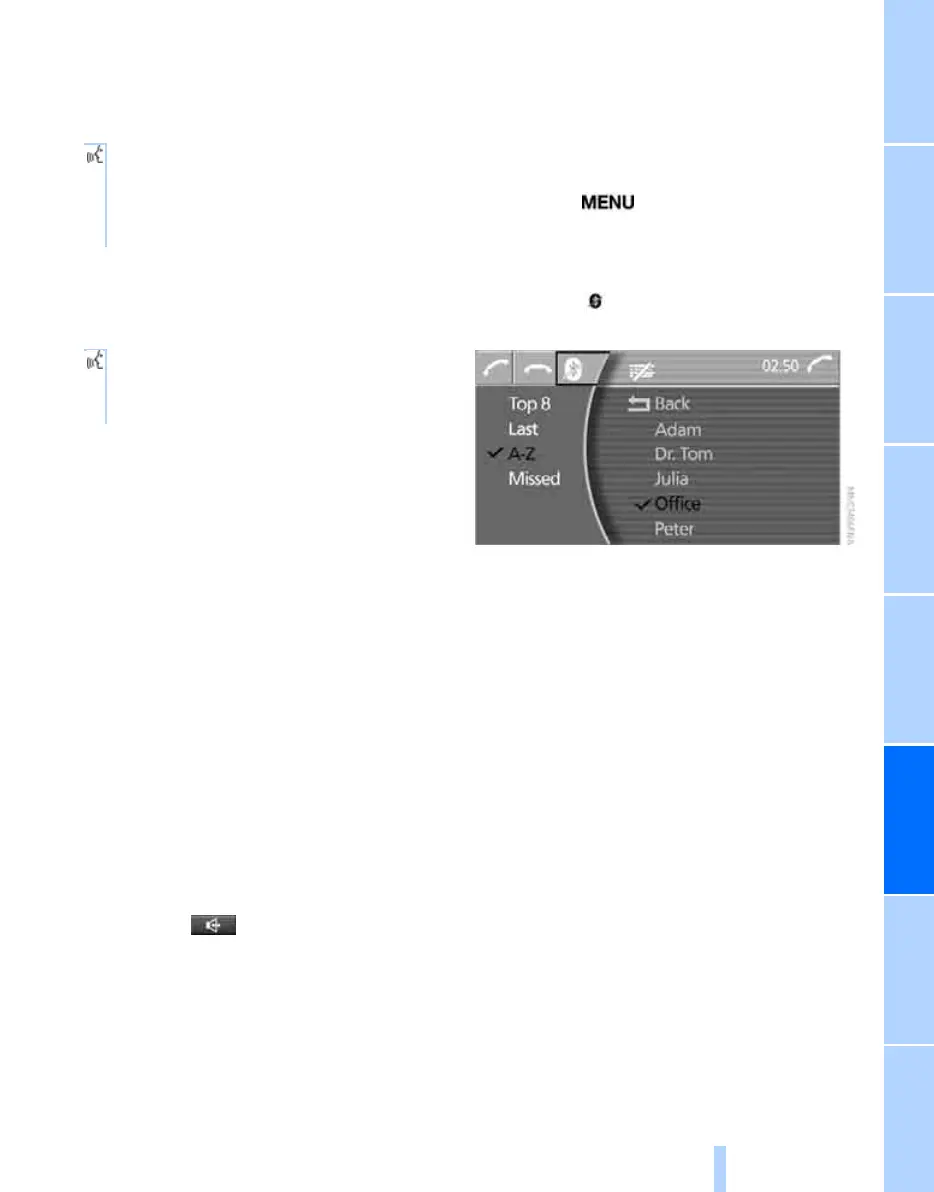
3. Select the symbol and press the control-
ler.
4. Take the mobile phone out of the snap-in
adapter, see page 198.
You can continue the conversation on your
mobile phone.
1. {Telephone}.
2. {Delete entry}.
3. Say the name.
4. Confirm with {Yes}.
1. {Telephone}.
2. {Delete telephone book}.
3. Confirm twice with {Yes}.
Online Edition for Part no. 01 41 0 013 197 - © 02/07 BMW AG



 To Next Page