TeleService, BMW Assist
206
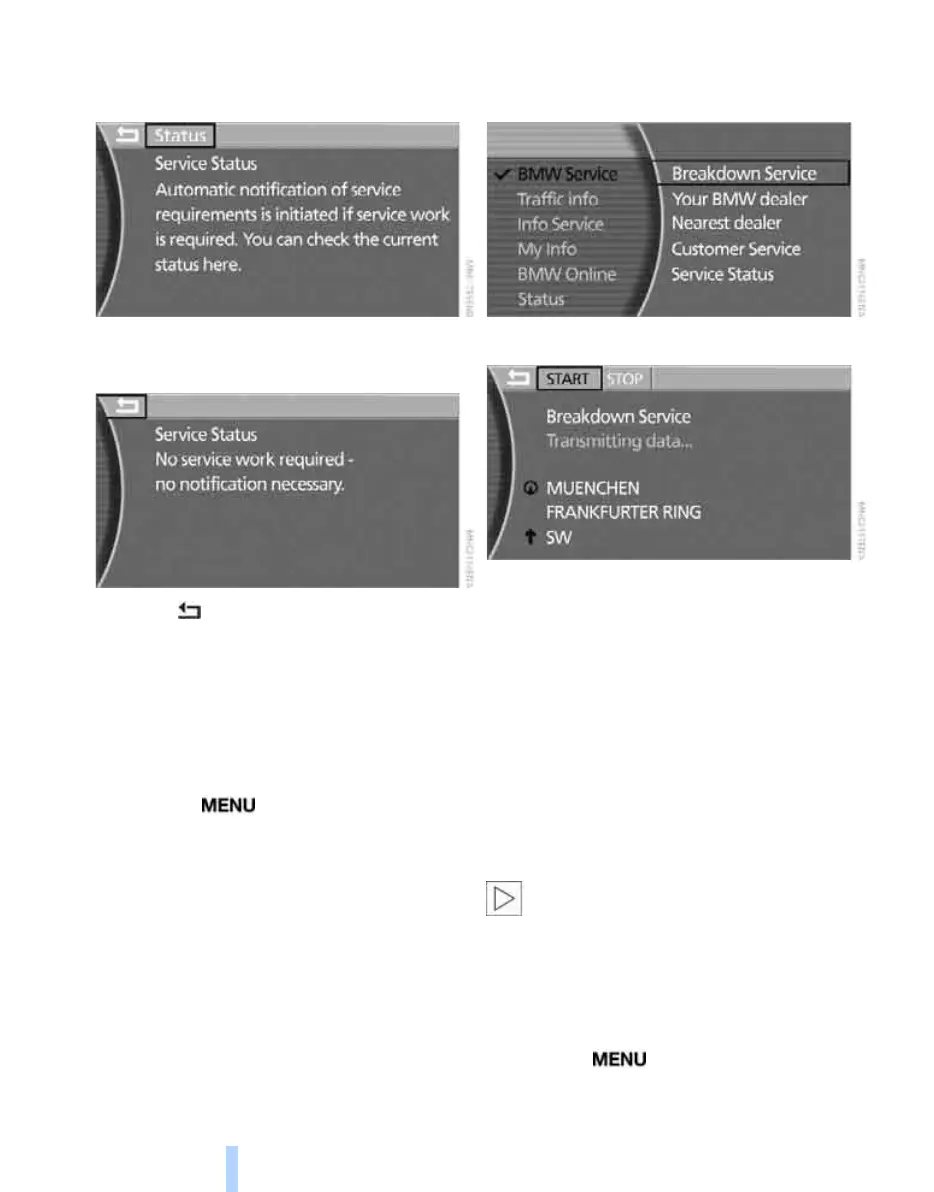
"Automatic notification of service require-
ments is initiated if service work is required.
You can check the current status here."
5. Select "Status" and press the controller.
If necessary, your BMW dealer is informed.
6. Select arrow and press the controller to
hide the display.
Breakdown recovery
You can contact the BMW Group's breakdown
service if you require assistance in the event of
a breakdown.
iDrive, principle, see page 14.
1. Press the button to call up the start
menu.
2. Move the controller towards "BMW Assist".
3. Select "BMW Service" and press the con-
troller.
4. Select "Breakdown Service" and press the
controller.
The car's current location is displayed.
5. Select "START" and press the controller.
BMW Service passes on details of the vehicle's
current location, the customer profile and other
vehicle data to the Mobile Service responsible.
Voice contact is established.
In certain countries, the data for Condition
Based Service CBS and your current location
are transmitted at the same time if BMW Assist
is enabled.
Contacting BMW Service or the
BMW Customer Service
You can contact your home BMW Service, e.g.
to arrange a service appointment.
Your mobile phone must be logged onto
the vehicle if you wish to establish contact
with BMW Service or with BMW Customer
Service.<
For all information concerning your car, contact
the BMW Customer Service.
iDrive, principle, see page 14.
1. Press the button to call up the start
menu.
2. Move the controller towards "BMW Assist".
Online Edition for Part no. 01 41 0 013 197 - © 02/07 BMW AG



 To Next Page