Controls
81
Reference OverviewDriving hintsCommunication NavigationEntertainmentMobility
Transferring a display
iDrive, principle, see page 14.
1. Press the button to call up the start
menu.
2. Move the controller towards "On-board
data".
3. Select "BC" and press the controller.
4. Select " Split" and press the controller.
The function is displayed in the assistance
window.
You can choose between short help texts on
the selected menu items, see page 19, or have
the route displayed on vehicles with navigation
system, see page 132.
Settings on the control
display
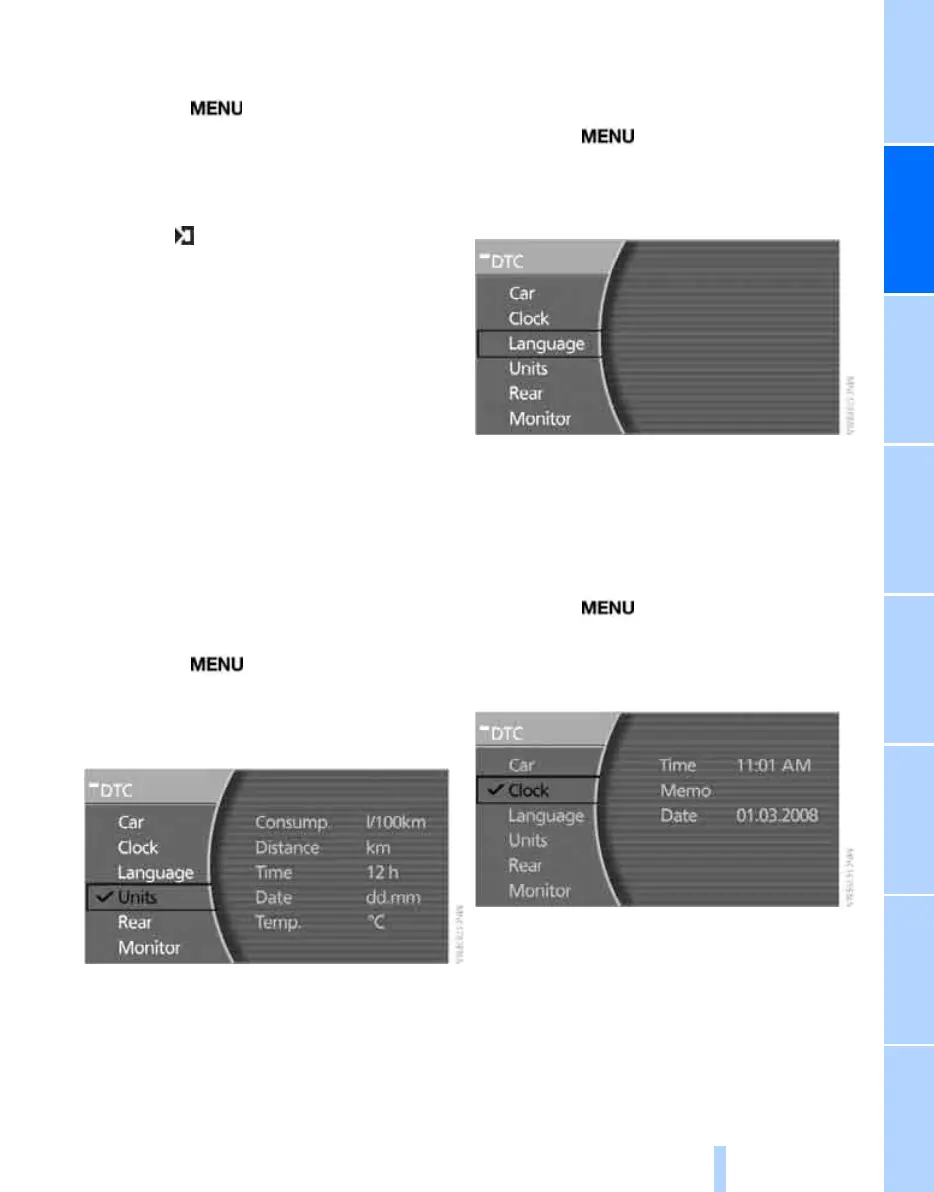
Altering units of measurement and
forms of expression
You can select the units of measurement for
fuel consumption, distance and temperature,
and the way the time and date are expressed.
iDrive, principle, see page 14.
1. Press the button to call up the start
menu.
2. Move the controller towards "Settings".
3. Select "Units" and press the controller.
4. Select the menu item to be adjusted. Press
repeatedly to view the options.
The setting is saved for the remote control cur-
rently in use.
Setting language
You can set the language of the display texts.
iDrive, principle, see page 14.
1. Press the button to call up the start
menu.
2. Move the controller towards "Settings".
3. Select "Language" and press the controller.
4. Select the desired language and activate it.
The setting is saved for the remote control cur-
rently in use.
Date and time
iDrive, principle, see page 14.
1. Press the button to call up the start
menu.
2. Move the controller towards "Settings".
3. Select "Clock" and press the controller.
Setting time
1. Select "Time" and press the controller. The
first input for the time setting is activated.
2. Turn to make the adjustment.
3. Press the controller to apply the setting.
The next part of the setting is selected.
Online Edition for Part no. 01 41 0 013 197 - © 02/07 BMW AG



 To Next Page