At a glanceControlsDriving tipsCommunications NavigationEntertainmentMobilityReference
69
To deactivate the L mode
> Press the L/D button or
> press the selector lever into position D
once again.
Automatic transmission
with Steptronic
Canadian models only
While you can drive as with any conven-
tional automatic transmission, you also
enjoy the option of shifting manually at the
steering wheel, refer to the next column.
Transmission ranges
P R N D
Program display
S or M1 – M6
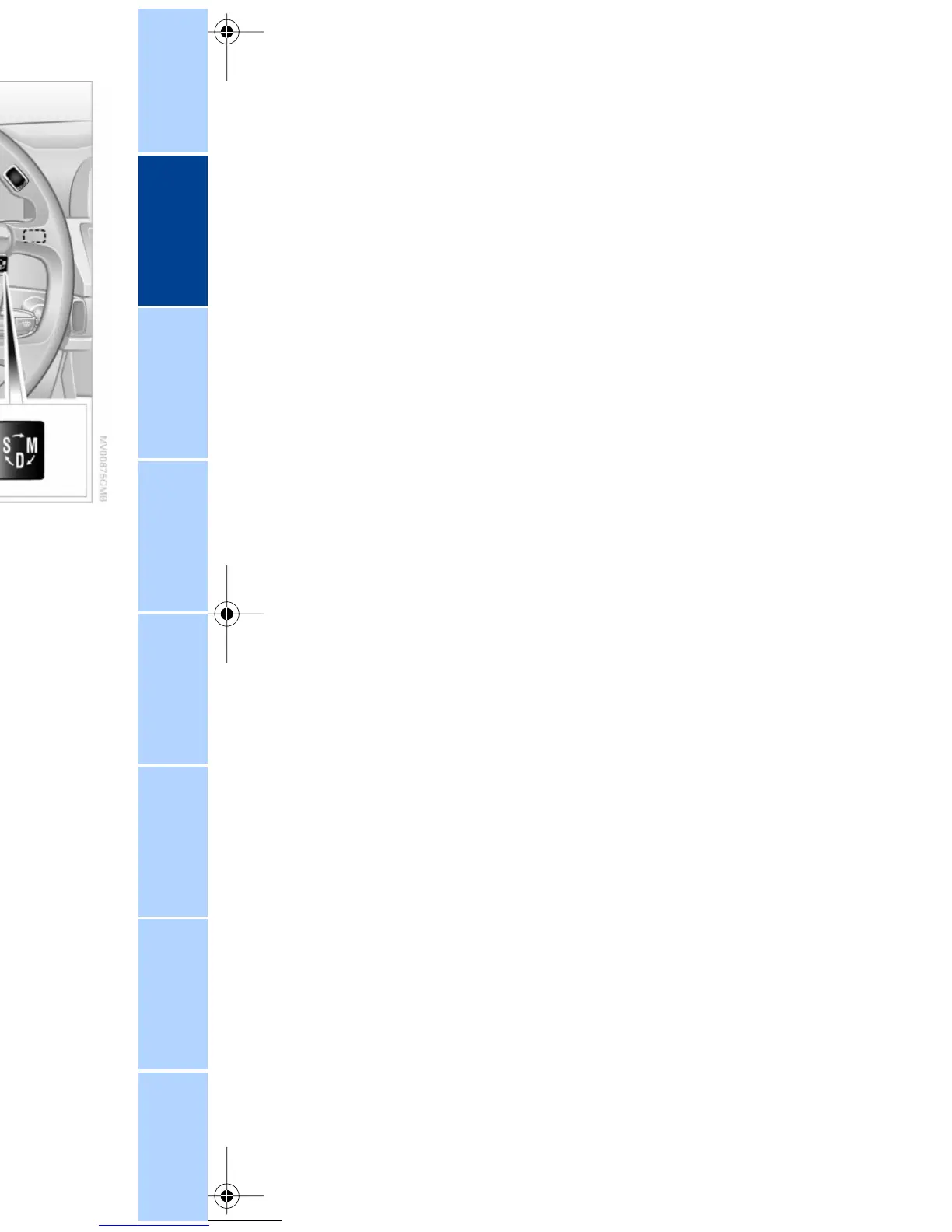
Buttons on steering wheel
S/M/D + –
To select a transmission range
The procedure for selecting transmission
ranges is the same as that employed in the
L mode, refer to page 67.
Sport program and manual operation
When you press the S/M/D button on the
steering wheel once, the system responds
by activating the transmission's Sport
program, as indicated by the letter S in the
Info Display, refer to previous column. We
recommend this program for performance-
oriented driving.
When you press the S/M/D button a
second time the transmission switches to
its manual mode; press again to return to
the automatic program.
You can also return to the standard auto-
matic program by reselecting D.
In the manual mode the transmission
upshifts when you briefly tap the buttons
on the rear of the steering wheel. You
downshift by briefly pressing the buttons
on the front of the steering wheel. The Info
Display shows the manual ranges M1
through M6.
Upshifts and downshifts are excecuted
only when they will result in a plausible
combination of engine and vehicle speed;
thus (for example) a downshift that would
cause the engine to overrev will not be
executed by the system. The selected gear
appears briefly in the Info Display, followed
by the current gear.



 To Next Page