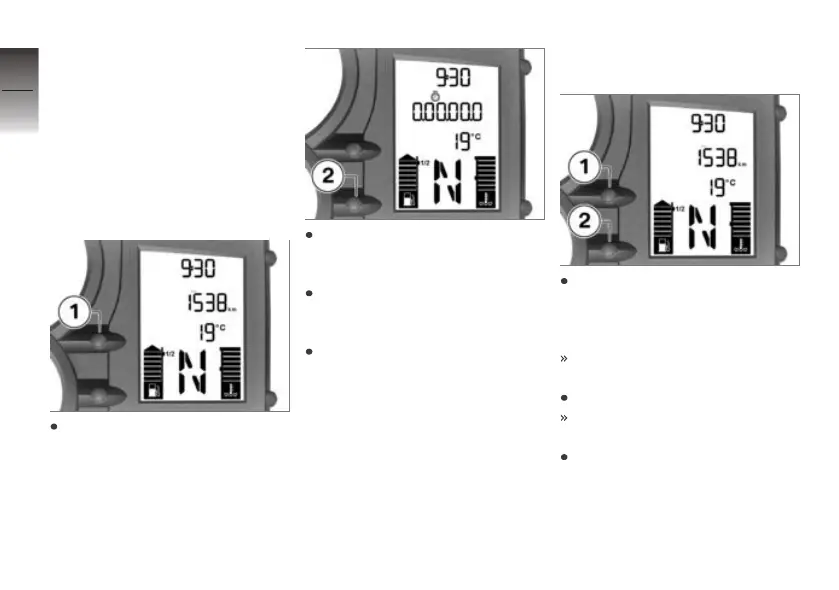
use button 1 to operate the on-
board computer.
The stopwatch continues to time
in the background if you switch
back temporarily to the odometer
reading. Similarly, the stopwatch
continues timing if you temporar-
ily switch off the ignition.
Operating stopwatch
If necessary, use button 1 to
switch from the odometer to
the stopwatch.
When the stopwatch is
stopped, press button 2 to
start timing with the stopwatch.
When the stopwatch is running,
press button 2 to stop timing
with the stopwatch.
Press and hold down button 2
to reset the stopwatch.
Changing button
functions
Press button 1 and button 2
at the same time and hold
them down until the reading
changes.
FLASH (redline warning) ap-
pears, along with ON or OFF.
Press button 2.
LAP (Lap-Timer) and ON or
OFF appear.
Repeatedly press button 1 until
the reading shows the mode
you want.
4
38
z
Operation














 To Next Page