Displaying stored Check Control
messages
Via iDrive:
1. "My Vehicle"
2. "Vehicle status"
3. "Check Control"
4. Select the SMS text message.
Display
Check Control
At least one Check Control message is
displayed or is stored.
SMS text messages
SMS text messages in combination with a sym‐
bol in the instrument cluster explain a Check
Control message and the meaning of the indica‐
tor/warning lights.
Supplementary SMS text messages
Additional information, such as on the cause of
an error or the required action, can be called up
via Check Control.
With urgent messages the added text will be au‐
tomatically displayed on the Control Display.
Functions
Depending on the Check Control message, the
following functions can be selected.
▷ "Owner's Manual"
Display additional information about the
Check Control message in the Integrated
Owner's Manual.
▷ "Service request"
Contact a dealer’s service center or another
qualified service center or repair shop.
▷ "BMW i Roadside Assistance"
Contact Roadside Assistance.
Messages after trip completion
Special messages displayed while driving are
displayed again after standby state is switched
off.
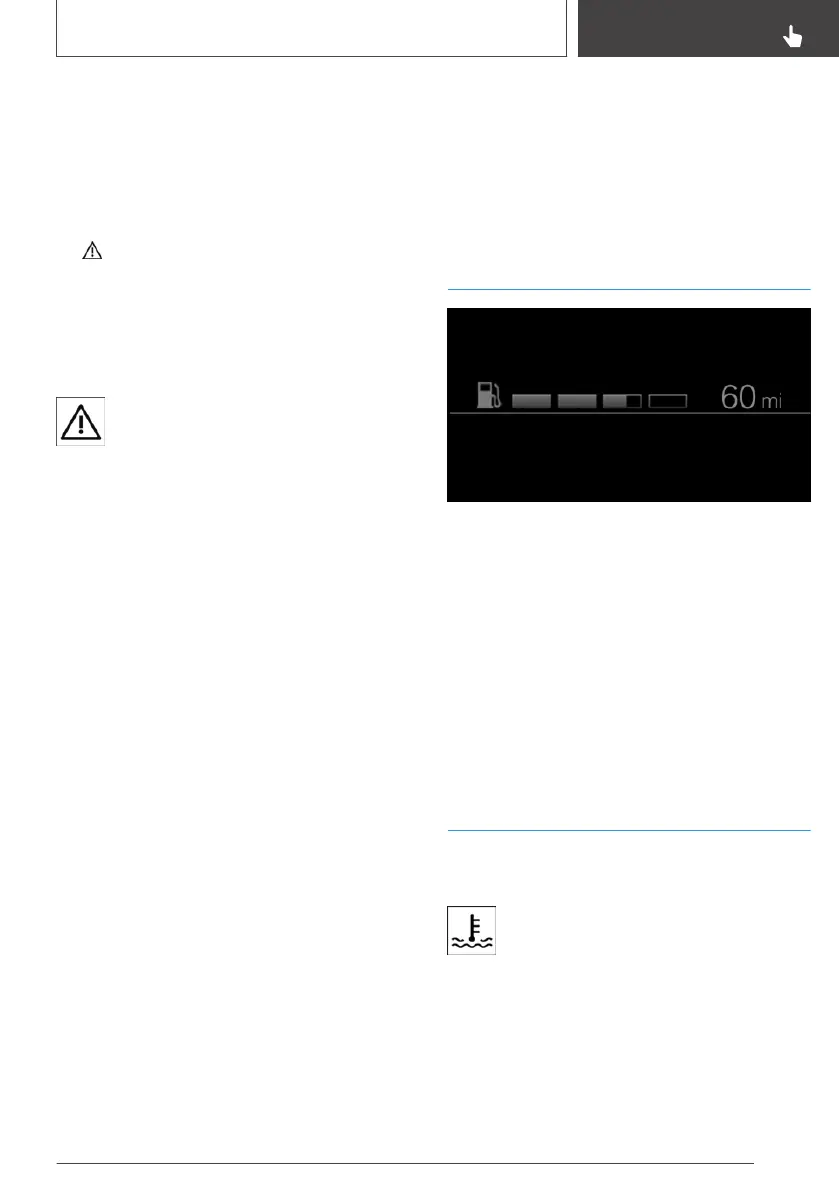
With Range Extender: fuel
gauge
The fill level bars indicate the available fuel sup‐
ply of the Range Extender when drive-ready
state and standby state are switched on.
Additional range of the Range Extender on top of
pure electric range. If the Range Extender is acti‐
vated, the color of the fill level bar indicator
switches from gray to white.
Vehicle tilt position may cause the display to
vary.
Follow the information on refueling.
Coolant temperature
If the coolant along with the engine becomes too
hot, a Check Control message is displayed.
A red indicator light is displayed.
Check the coolant level, refer to page 247.
Seite 121
Displays
CONTROLS
121
Online Edition for Part no. 01402989267 - II/18



 To Next Page