▷ Display lights up green: system is active, the
display indicates the desired speed.
▷ Display lights up orange: system is inter‐
rupted, the display indicates the stored
speed.
▷ No display: system is switched off.
Status display
Selected desired speed.
If no speed is indicated, it is possible that the
conditions necessary for operation are not cur‐
rently fulfilled.
Distance to vehicle ahead of you
Selected distance from the vehicle driving ahead
is briefly displayed in the left hand portion of the
instrument cluster.
Distance display
Distance 1
Distance 2
Distance 3
Distance 4
This value is set after the system is
switched on.
Detected vehicle
Symbol lights up orange:
A vehicle has been detected ahead of
you.
Distance control is deactivated because
the accelerator pedal is being pressed; a
vehicle was detected.
Flashing bar: the detected vehicle has
driven away.
ACC does not accelerate. To accelerate,
activate ACC by stepping on the accelerator
pedal or pressing the RES button or the rocker
switch.
Indicator/warning lights
Symbol flashes orange:
The conditions are not adequate for the
system to work.
The system was deactivated but applies the
brakes until you actively resume control by
pressing on the brake pedal or accelerator pedal.
Symbol flashes red and a signal sounds:
Brake and make an evasive maneuver, if
necessary.
The system has been interrupted or dis‐
tance control is deactivated because the
accelerator pedal is being pressed; a ve‐
hicle was not detected.
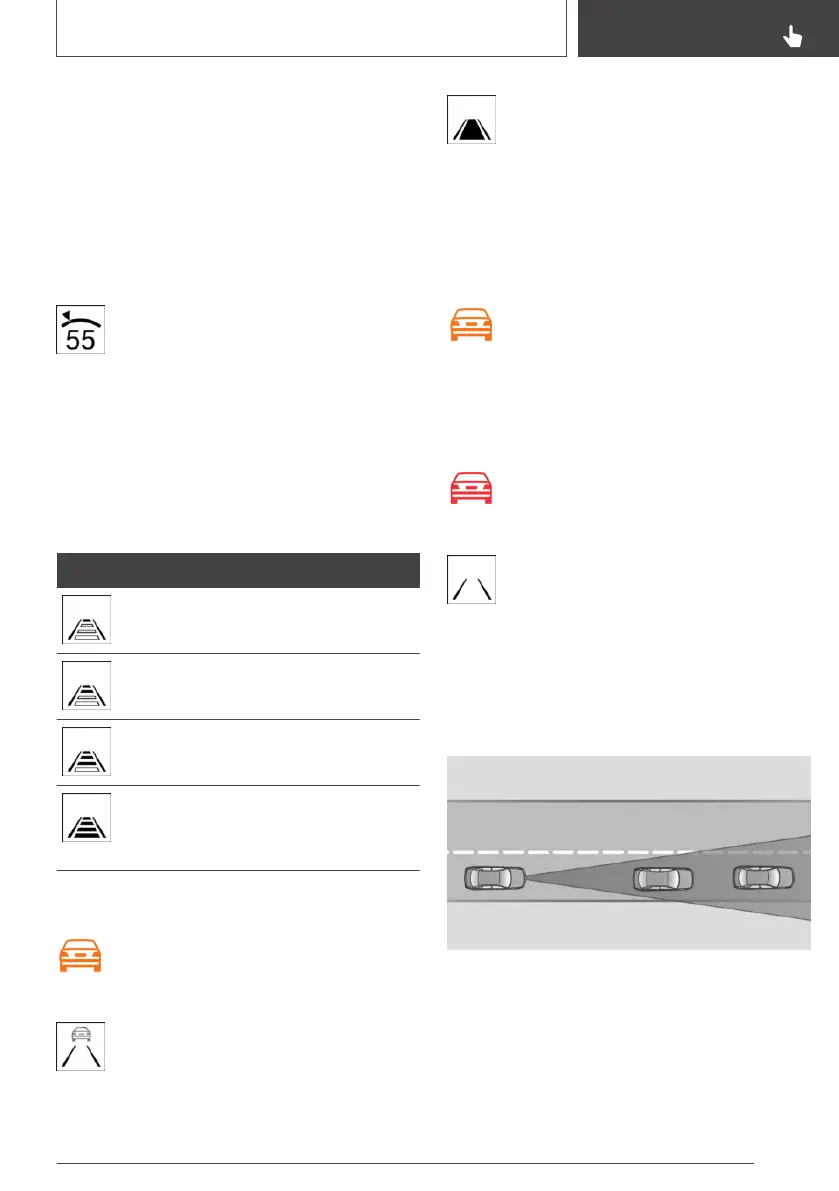
System limits
Detection range
The detection capacity of the system and the
automatic braking capacity are limited.
Two-wheeled vehicles for instance might not be
detected.
Seite 157
Driving comfort
CONTROLS
157
Online Edition for Part no. 01402989267 - II/18



 To Next Page