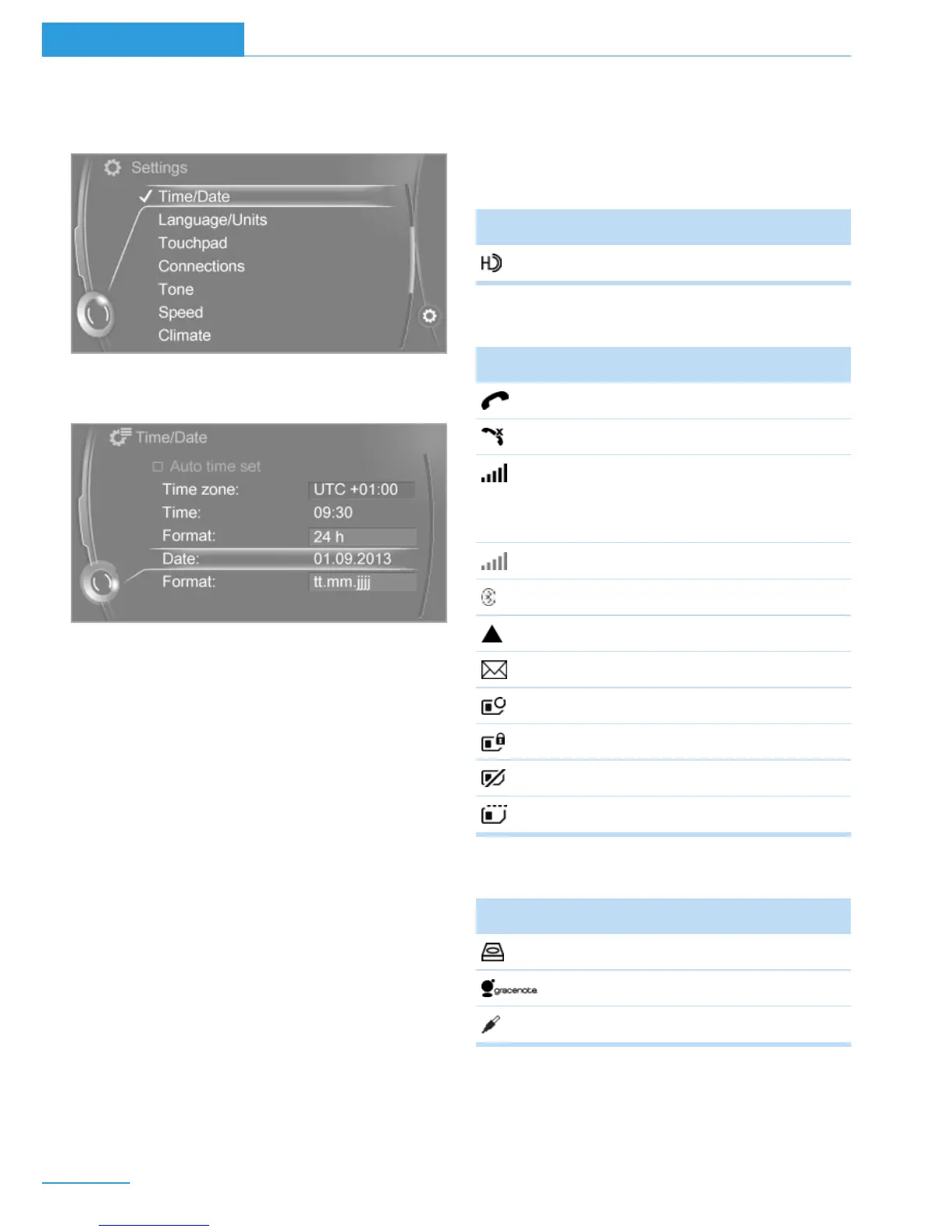
4. Turn the controller until "Time/Date" is
highlighted, and then press the controller.
5. Turn the controller until "Time:" is high‐
lighted, and then press the controller.
6. Turn the controller to set the hours and
press the controller.
7. Turn the controller to set the minutes and
press the controller.
Status information
Status field
The following information is displayed in the
status field at the top right:
▷ Time.
▷ Current entertainment source.
▷ Sound output, on/off.
▷ Locating the vehicle.
▷ Wireless network reception strength.
▷ Phone status.
▷ Traffic bulletin reception.
Status field symbols
The symbols are grouped as follows.
Radio symbols
Symbol Meaning
HD Radio station is being received.
Telephone symbols
Symbol Meaning
Incoming or outgoing call.
Missed call.
Wireless network reception
strength.
Symbol flashes: network search.
Wireless network is not available.
Bluetooth is switched on.
Roaming is active.
Text message was received.
Check the SIM card.
SIM card is blocked.
SIM card is missing.
Enter PIN.
Entertainment symbols
Symbol Meaning
Music collection.
Gracenote® database.
AUX-IN port.
Seite 22
At a glance iDrive
22
Online Edition for Part no. 01 40 2 960 865 - II/15



 To Next Page